Where should I start… there were quite a few sources of inspiration:
The reason I wanted to make this thing is, on the one hand, that I needed it when building bots for the Brain Arena (类脑竞技场). If you want to support complex content like presets and world books, wrapping a whole Tavern (TavernAI) instance behind the bot backend is too heavy, and it’s not good for plugin development either. On the other hand, Tavern’s own performance optimization is worrying—there’s a huge pile of messy code, and if you want to write plugins for Tavern, the barrier to entry is extremely high. So this is both to clean up that code mountain and to make plugin development more convenient.
I started working on it at the end of August; it’s been about three months now, at least a few hundred hours, and I’ve gained a lot from it.
Project link:
https://github.com/Lianues/SmartTavern
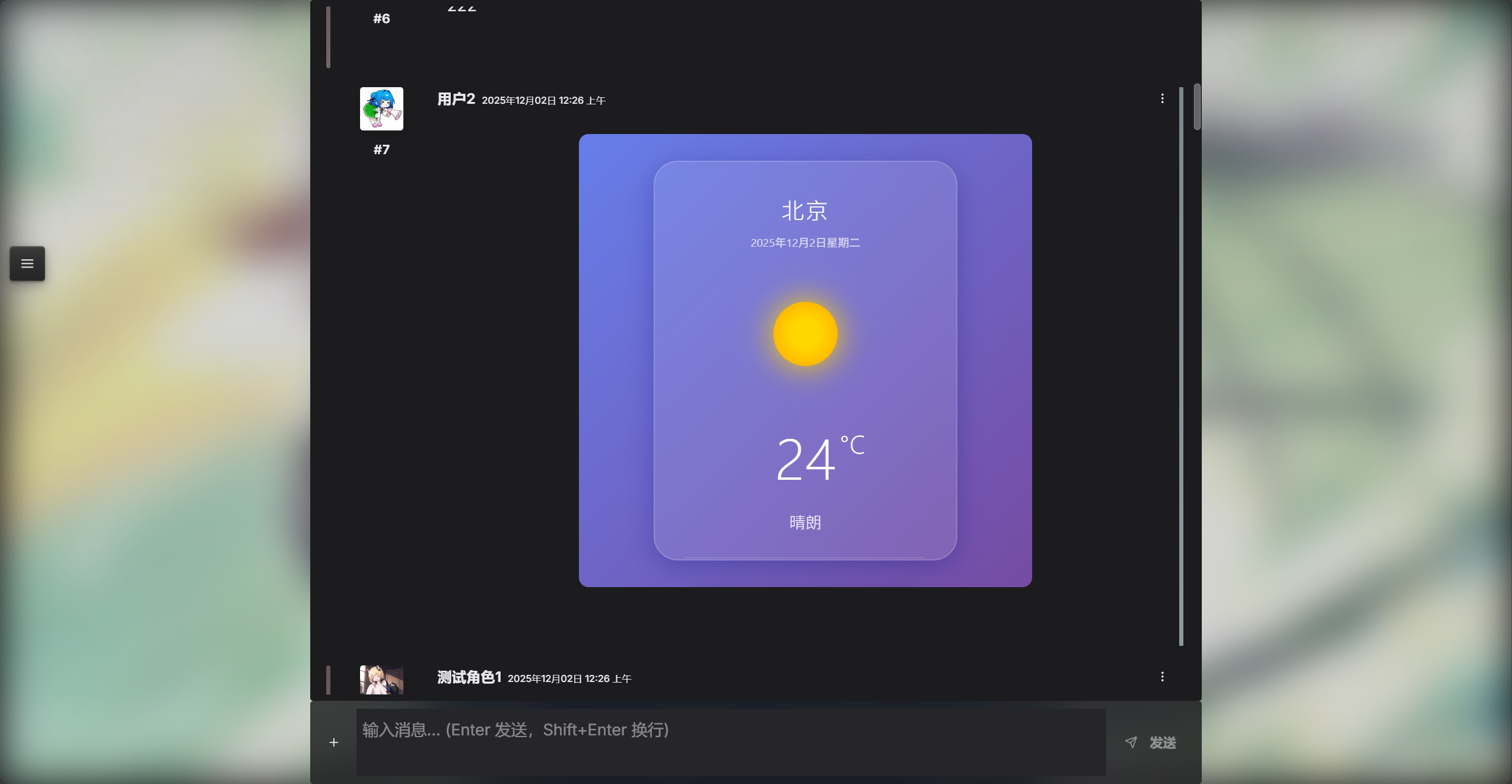
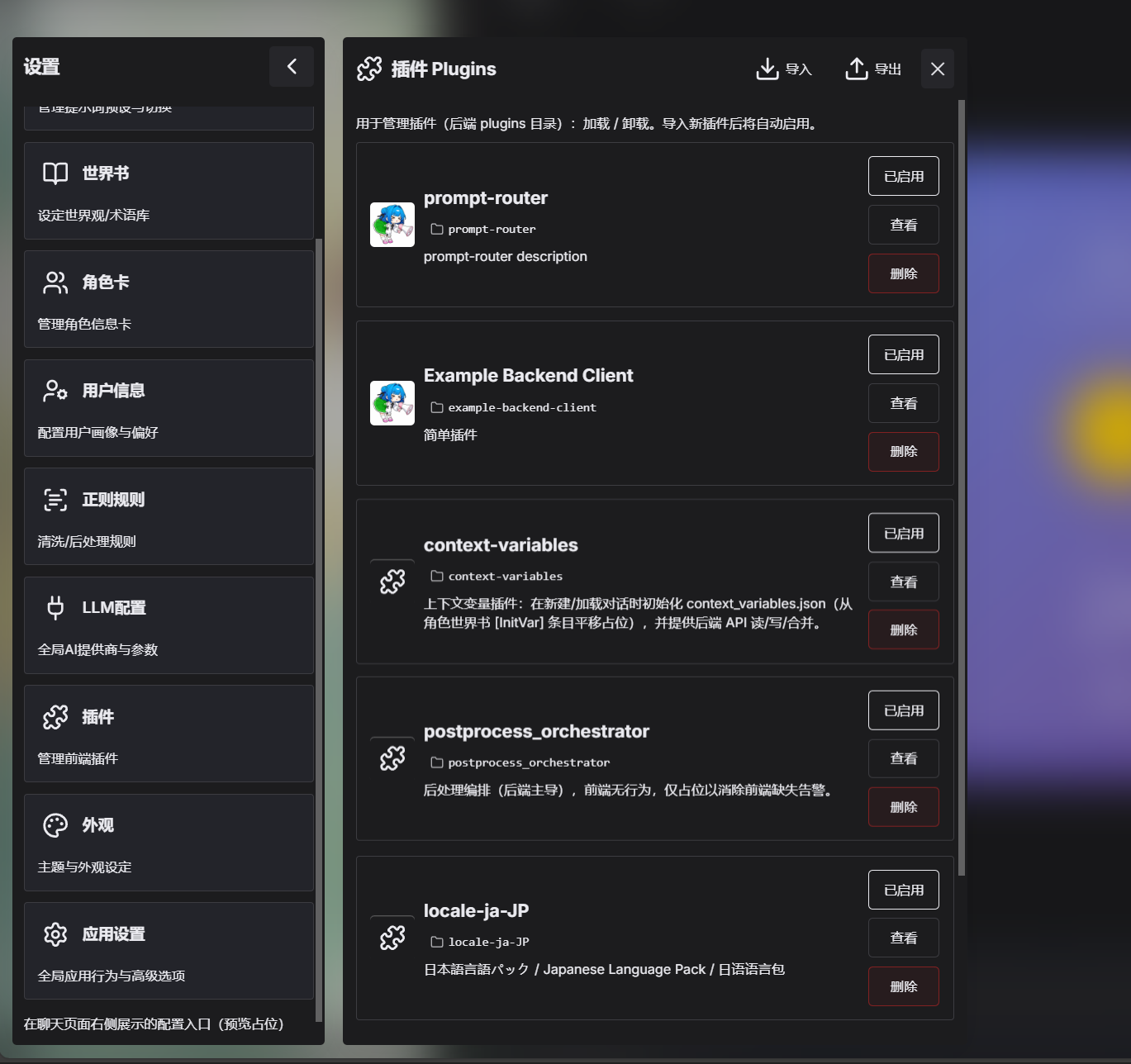
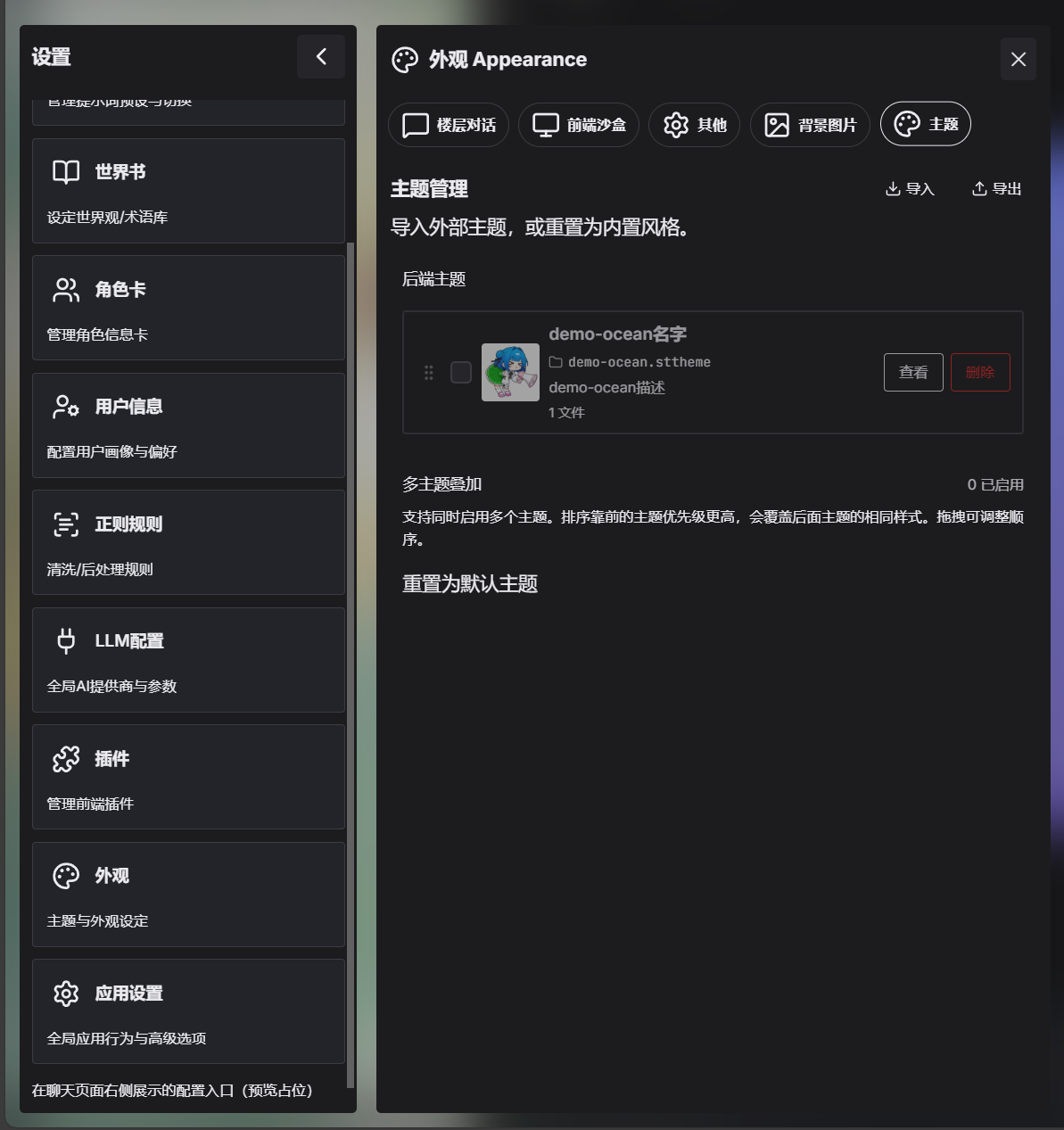
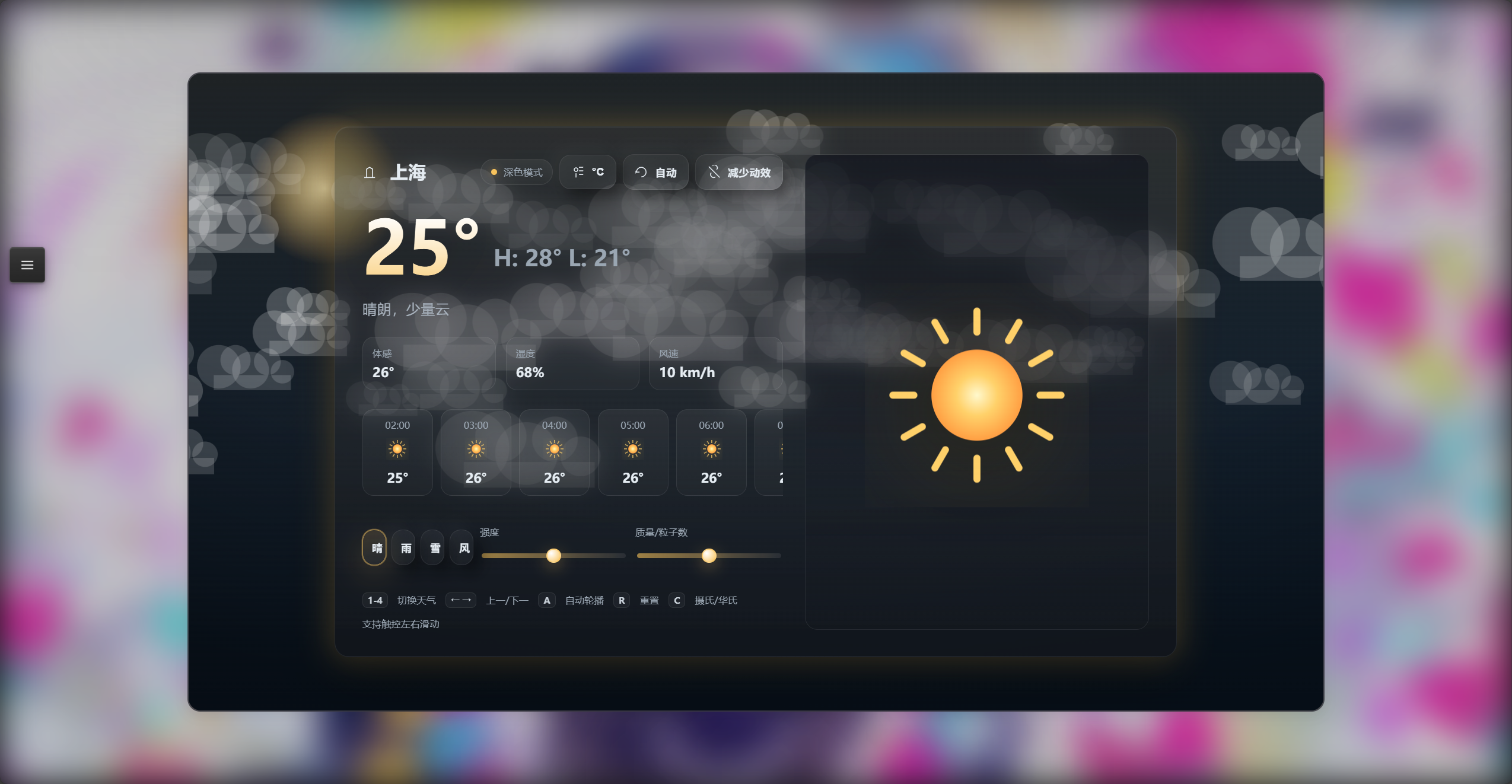
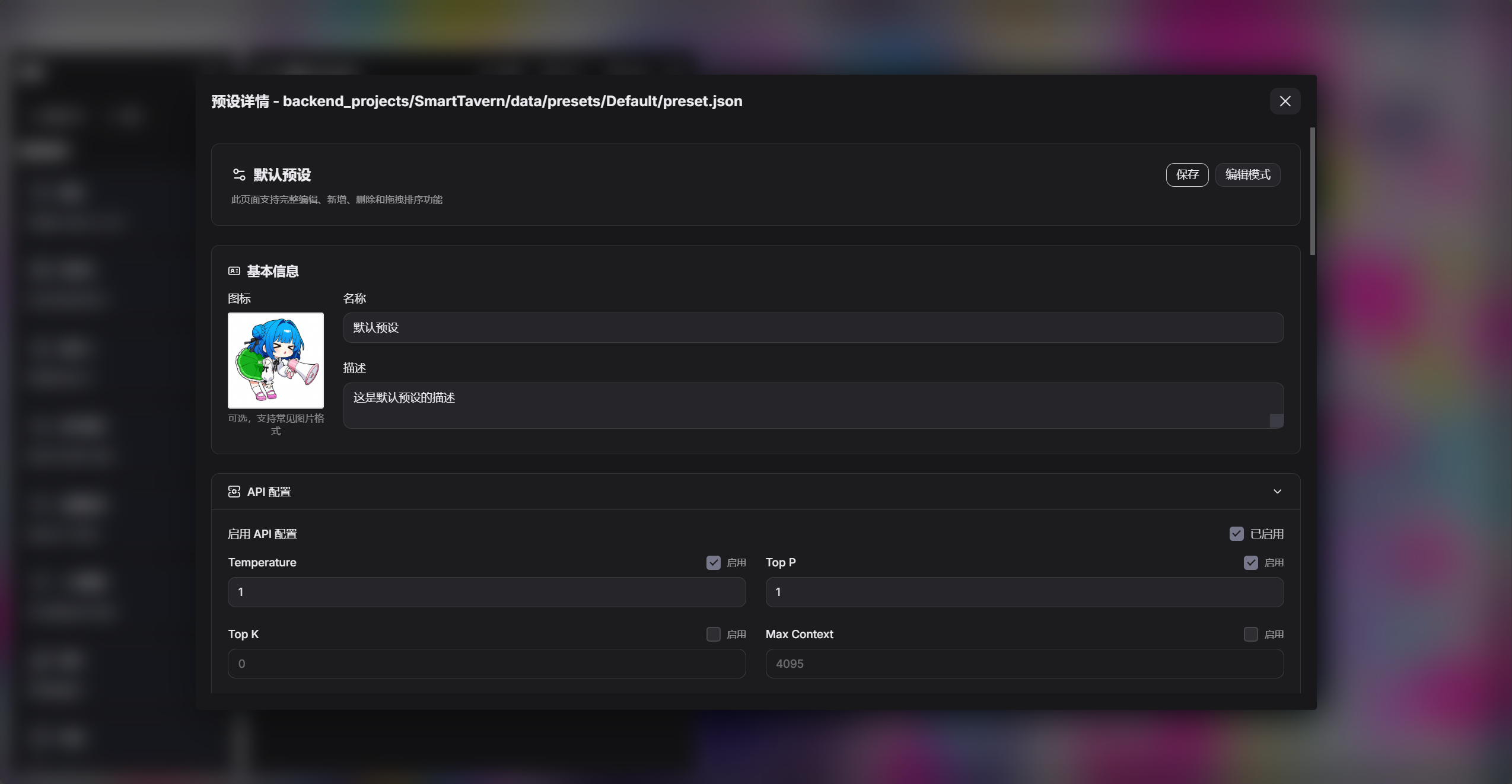
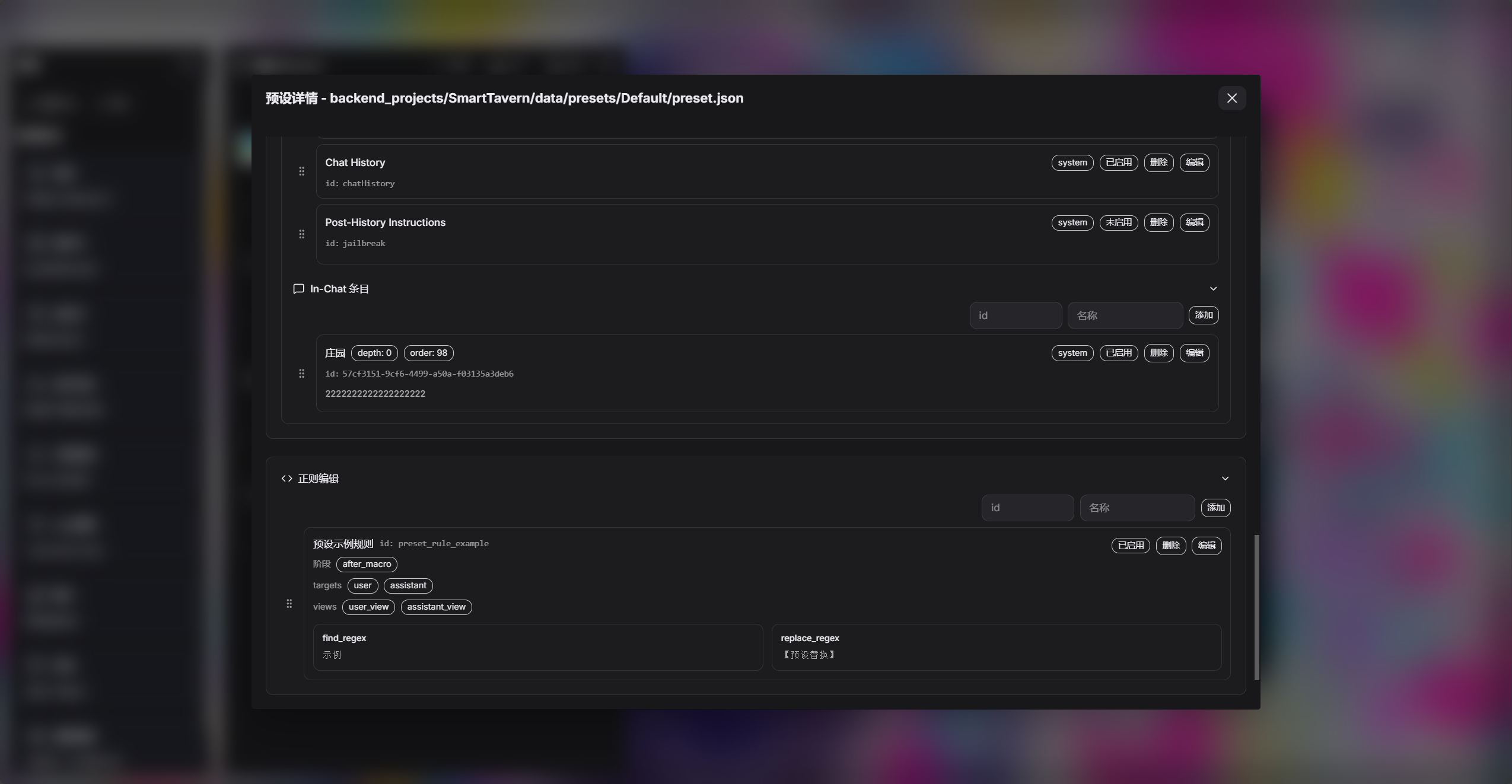
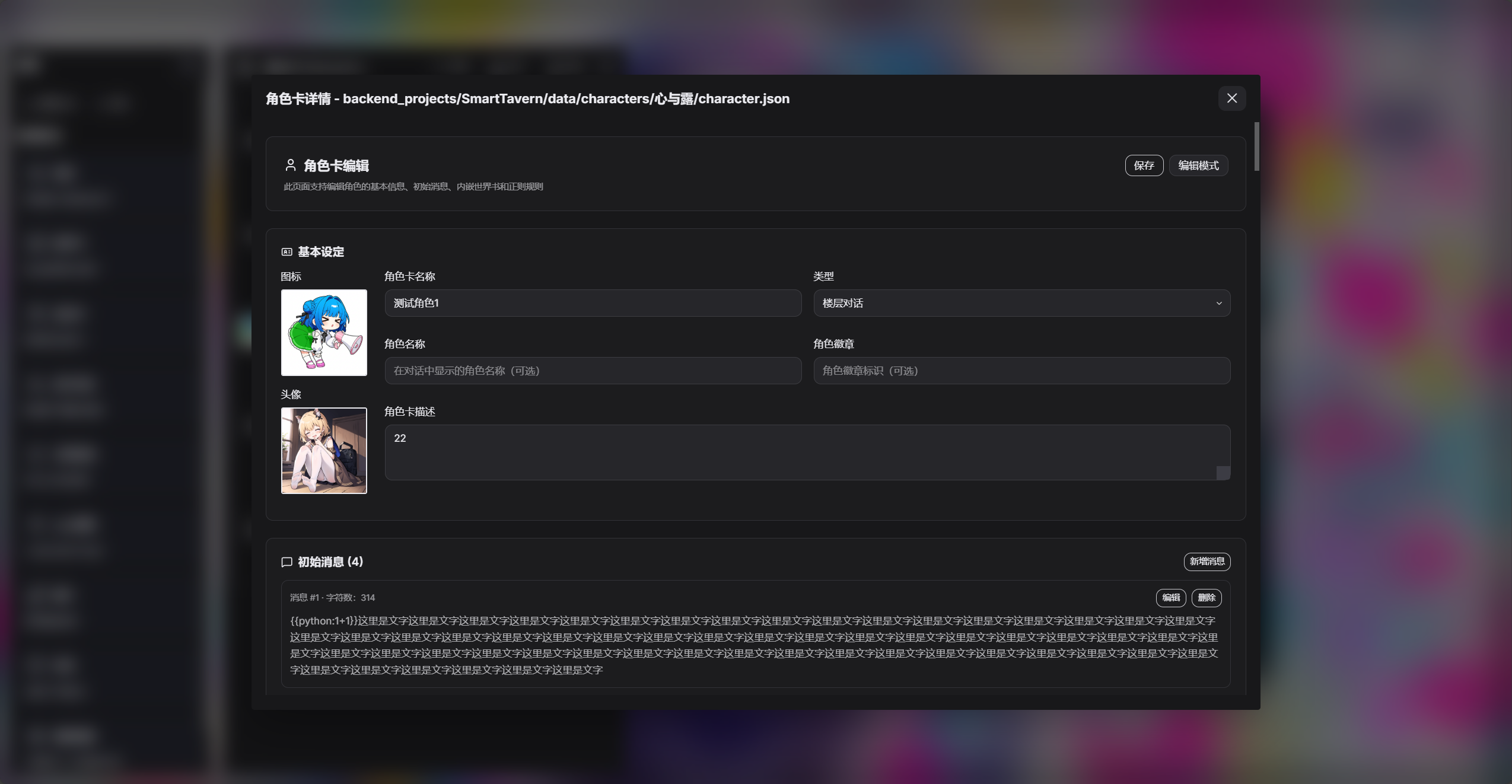
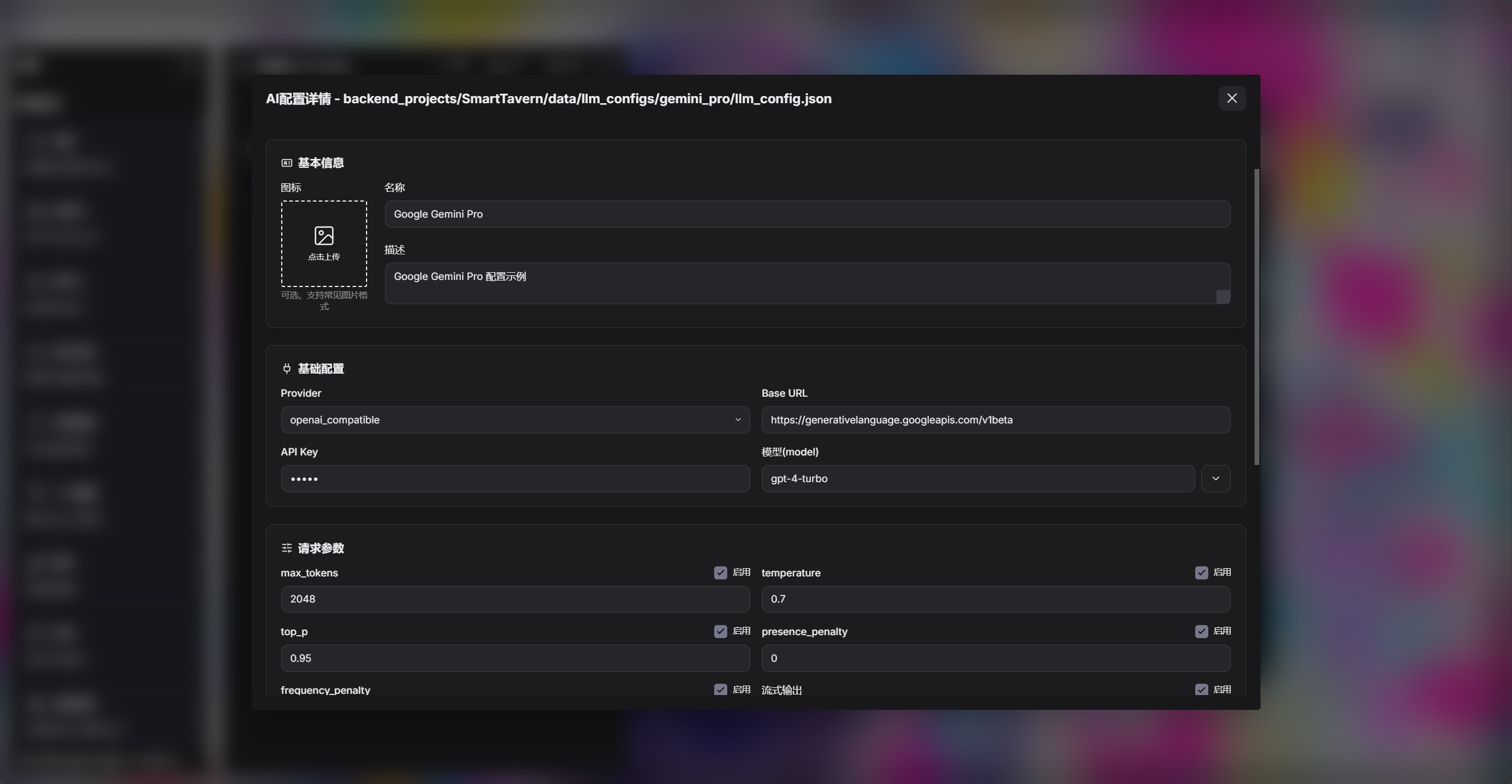
I’ve included some screenshots as a demo, including the homepage and screenshots of the different panels in use.
Now let me talk about the main features:
- Clean code, with a separated front end and back end, and modularization. It’s easy to modify, and also easy to feed to an AI and have the AI make changes.
- Original Tavern character cards, presets and other files only need a format conversion to continue being used. I developed this while trying to match the Tavern experience. The format converter will continue to be improved.
- Extended Tavern’s functionality. For example, presets support embedded regex (when I started the project in late August, Tavern still didn’t support binding regex to presets). Character cards support embedded world books and regex. It also allows you to use some of Tavern’s traditional macros like
{{xx}},<<xx>>, and supports using Python code to handle complex logic. - Compatible with Tavern’s prompt‑processing logic, while extending what it can do. On the basis of basically matching Tavern’s prompt construction and display logic, I systematically refactored and extended it, adding hook points and plugin features. The extensibility here makes it much easier for plugins to do secondary processing on prompts.
- The new front end has built‑in support for displaying HTML code, with optimized rendering logic and performance handling.
- Reorganized and simplified how plugins do secondary development on both the front end and the back end. The back end stores which plugins are in use, and the front end also uses front‑end plugins through an API. For example, if you want to add a language type, you only need to add a language‑pack plugin.
- Redesigned the APIs. The original Tavern APIs were too bloated and heavy on performance. I’ve now designed a much simpler API format and payload.
- Presets, world books, regex files, plugins, etc. can now also be exported as images—images are no longer exclusive to character cards.
- There are many other things as well, which I won’t go into here.
There are also some drawbacks: - The front‑end UI design may not look very good.
- The front end currently has no special display optimization for portrait mode (mobile). Using it on a phone may cause a lot of display issues.
- There are other issues too, which I won’t list here.
Also, if you want to develop a plugin, you need to read some related documentation first.
But don’t worry—you can just send it to an AI, and the AI can help you design it.
If there’s one best part, it’s definitely the plugin system. The extensibility is really huge, and relying only on vibe coding, anyone can build whatever plugin they want. The difficulty is several orders of magnitude lower than with Tavern.
In addition, I came up with the project’s architecture myself, and a large part of the code was completed with the help of vibe coding.
Let me explain the plugin system in more detail.
With plugins you can implement a lot of functionality:
- Back‑end processing of parts of the prompt. When prompts are assembled, I already tag them with their source, so plugins can easily grab prompts from specific sources. The language used is Python.
- Making the front end display certain panels: pop‑up messages, standalone panel components for your own features, more advanced styling, animations, etc. The language used is JavaScript.
- Combining the two, you can implement basically any functionality. You can create a workflow plugin—for example, automatic summarization, manual summarization, calling MCP, using AI for image generation, and so on.
Now about the theme system: - Themes are divided into lightweight and advanced. For lightweight themes, you only need to override CSS variable values or use custom CSS. I’ve collected all the CSS variables into a single file; you just need to configure a JSON file.
- If you want more advanced beautification, then you’ll need to use plugins.
I’ll add more about other things later when I think of them.
There isn’t systematic documentation for now, because there’s quite a lot and it’s a bit scattered—there are only some notes left by the AI during development.
If you have any other ideas, feel free to bring them up.