there are multiple different designs for the spotify layout on your rentry, which you can find below! you will need to keep in mind which one you want in order to pick the right name.
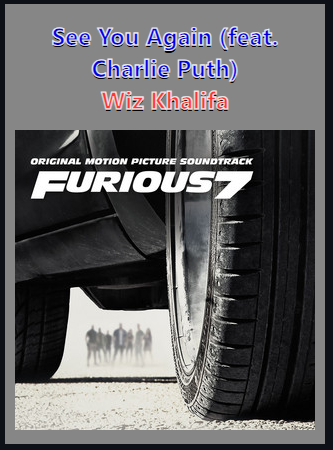
karaoke theme:
navatorem theme:
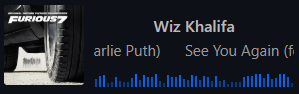
natemoo-re theme:
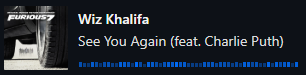
spotify embed theme:
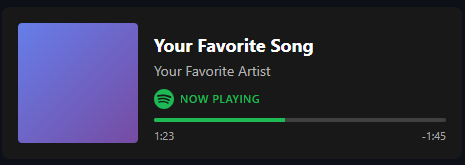
one you've picked which theme you like, go to this link and sign in with your spotify account:
click here
you should then be brought to a page that looks like this!
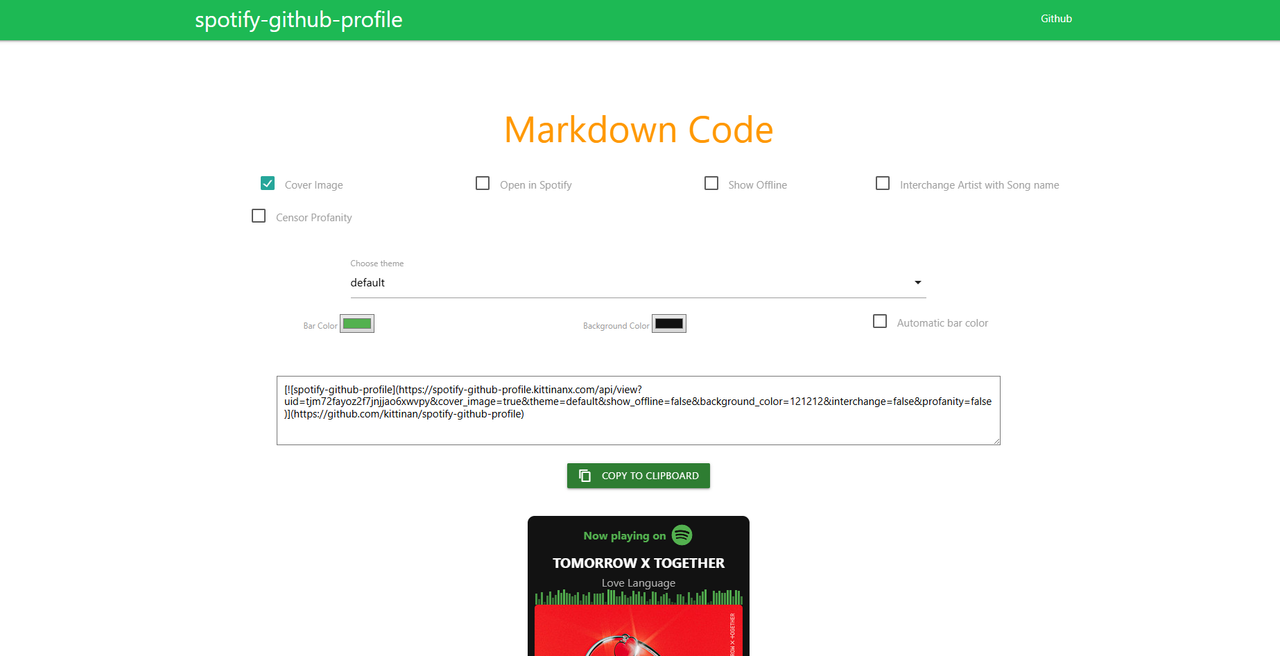
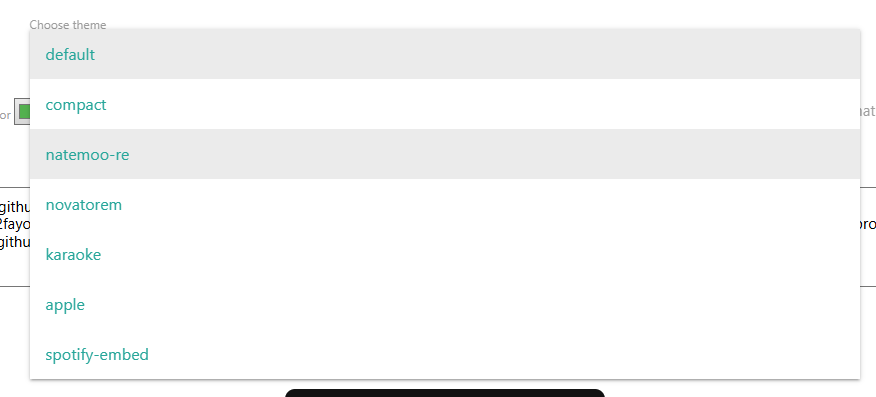
click on your desired theme here

then, copy your code here to your clipboard and paste it into your rentry!
To start off, copy paste the code below into your rentry:
https://pastebin.com/SujZD7ZL
This should give you something like this!

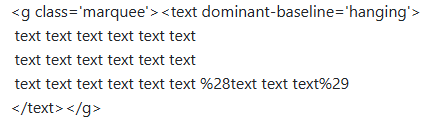
to change the text, scroll down towards the bottom and alter the "text text text text" here, KEEP IN MIND: the larger amount of text you put, the faster the text will go, and vice versa!
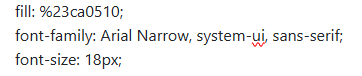
if you would like to change your font, look towards the top where it says "font-family: Arial Narrow", you can use a small selection of google fonts for this (find list in "TIP" section) but make sure you put the correct information in the spot. some fonts have a specific type (ie. "Cursive", "Sans-Serif", etc.) that you'll need to put alongside the font name.
TIP: here is a list of all currently available fonts with css and how to import them, click the "try it yourself" and copy paste "font-family: 'font', style;" into your code. https://www.w3schools.com/csSref/css_websafe_fonts.php

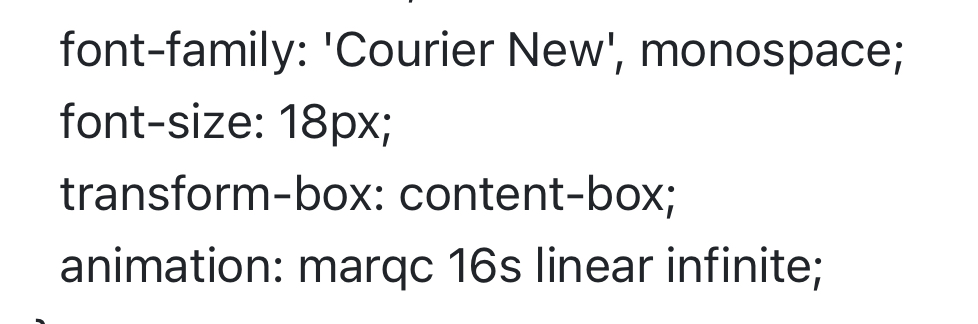
you should then have something similar to these!
with hex code:
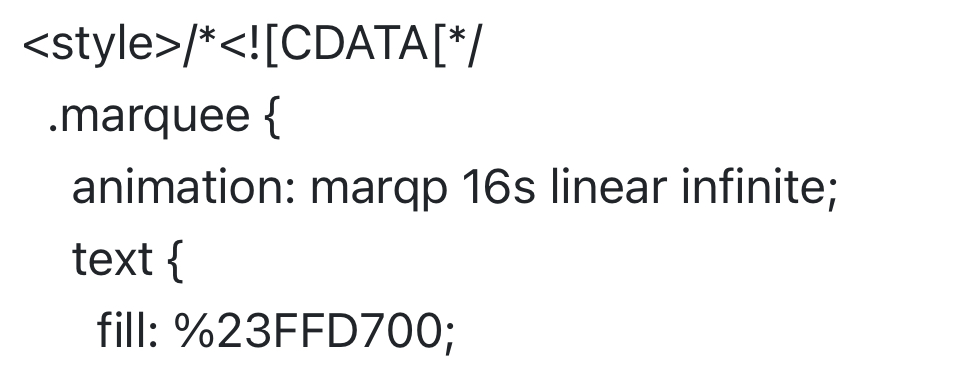
without hex code:
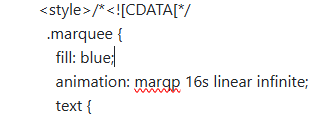
to change the color of your text, refer to the "fill: color;" portion at the top, you can find a list colors here if you don't have a hex code you'd like to use, but if you'd like to use your own color, make sure to replace the # part of your hexcode with %23 - ex. %23000000

finally, your text should be the font & color you desire! if you have any questions, direct them to either of my listed contacts found on the main page, or you may contact me via discord if you know it :)
- OPTIONAL
If you'd like to place your text beside an image, scroll down to the bottom of your code until you find the {100%:18} nearby your text.
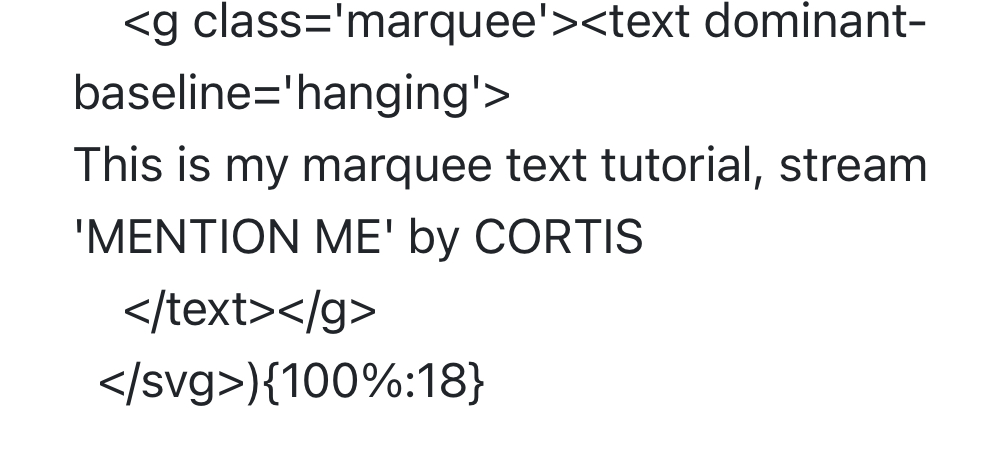
100% = width
18 = height
you'll only want to alter the height of your text! so change the 100% to whichever % you'd like, to make it even i used 40% which puts it directly beside the image. after you've altered the width, place your image beside it and make sure that you've changed the width of that aswell if needed!
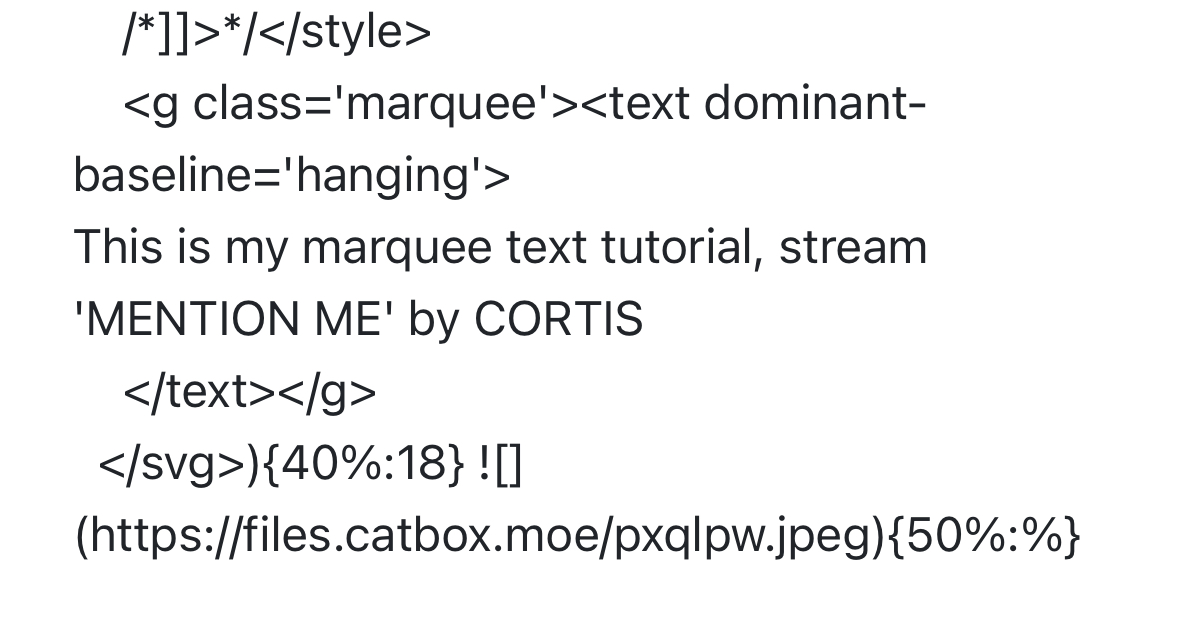
following those steps will give you something similar to below!

go to the website below and sign up:
https://sig.grumpybumpers.com
for the images to show up, you will need to get their urls like a regular rentry image! copy and paste the links in the urls bar like this
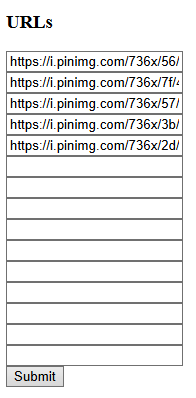
once you've done that, hit submit and copy paste your link that should be at the very top!
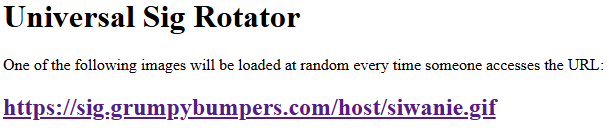
then, just paste your link into a rentry like you would with a regular image:


and you should be all good to go! refresh away and see what you get 