Bombergirl on Lutris

Number 10 Goodbye Bottles

This guide was written for Lutris, but any other prefix manager for Wine should work as long as it let you run and pass arguments to the game from the command line without pain and problematic configurations that make you waste a lot of time configuring
requirements
- lutris https://lutris.net/downloads
- protonplus
- protonup optional
- games.zip https://archive.org/download/konami-games-1/games.zip
- lutris patch https://archive.org/download/konami-games-1/lutris.zip
- old lutris patch in the case of problems https://archive.org/download/konami-games-1/oldlutris.zip
- konami games https://archive.org/download/konami-games-1
- personal backup games folder optional
- terminal
Installing and configuring lutris
Bombergirl needs Wine 8.0+ to run.
- Install Lutris from your distro's repos or the flatpak version from Flathub or the official website/ the store of your distro
- install ProtonPlus and start lutris select wine and download wine-vanilla,wine-staging, and wine-staging-tkg(kron4ek) dxvk(doitsuji) and vkd3d-proton open lutris folder in the file manager and copy the content to the lutris folder
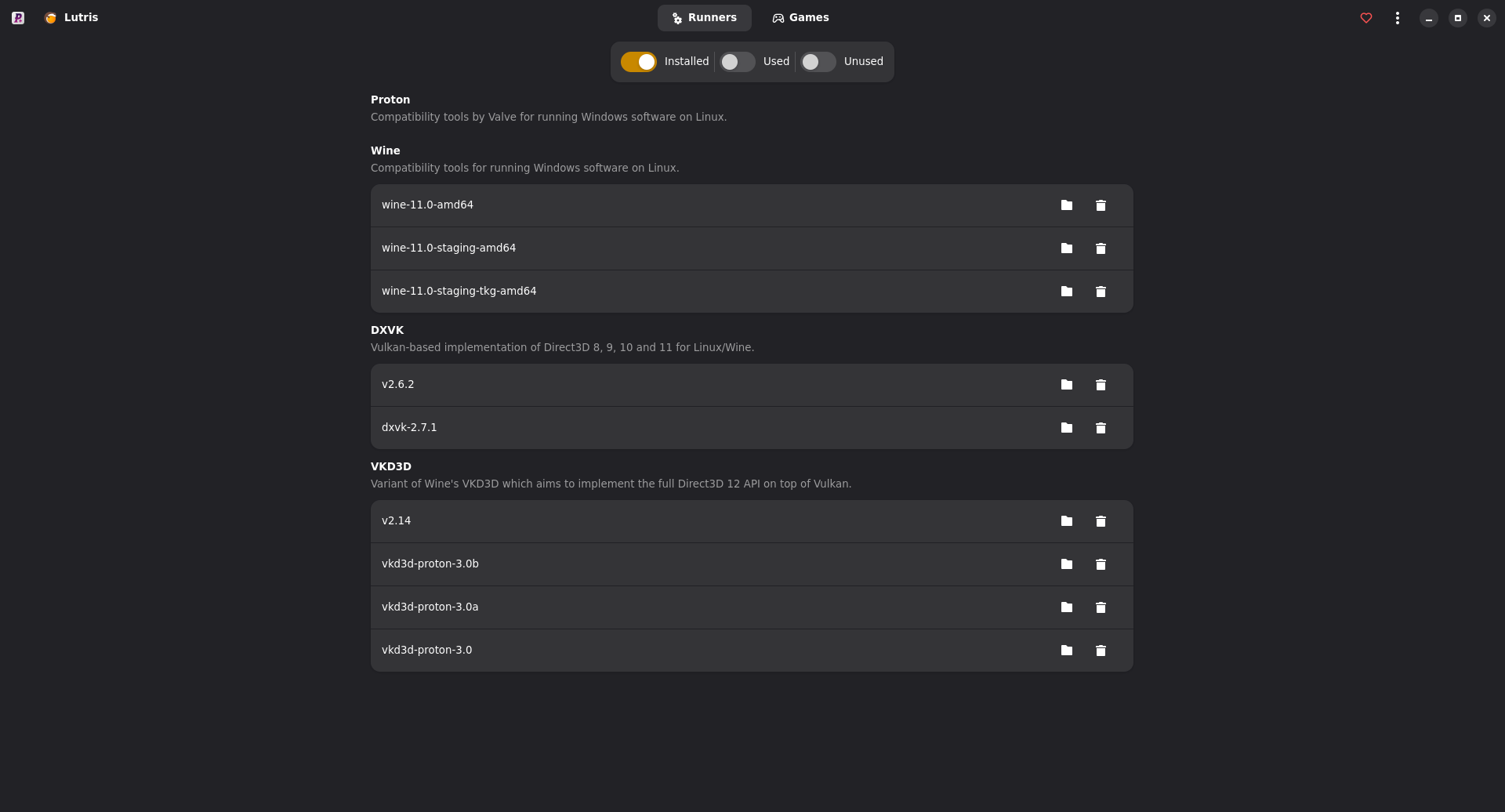
lutris native: /home/username/.local/share/lutris/
lutris flatpak: /home/username/.var/app/net.lutris.Lutris/data/lutris/
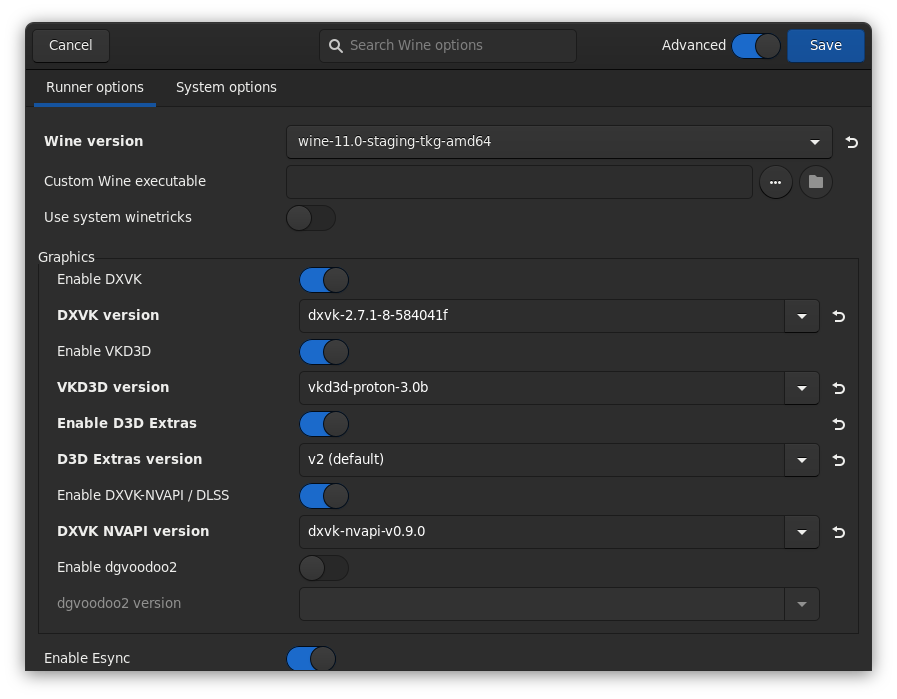
- Launch lutris, go to preferences – runners - wine turn on advance select wine 11 but in my case I select wine 11-staging-tkg, dxvk version dxvk-2.7.1-8-584041f, vkd3d vkd3d-proton-3.0b, dxvk nvapi version dxvk-nvapi-v0.9.0 and save
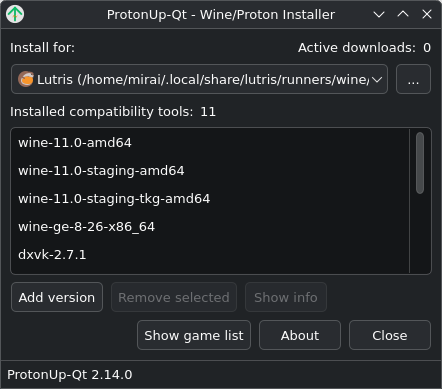
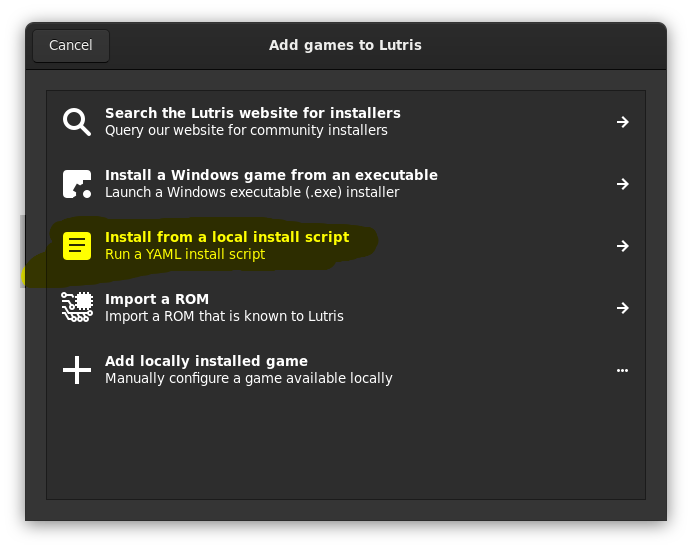
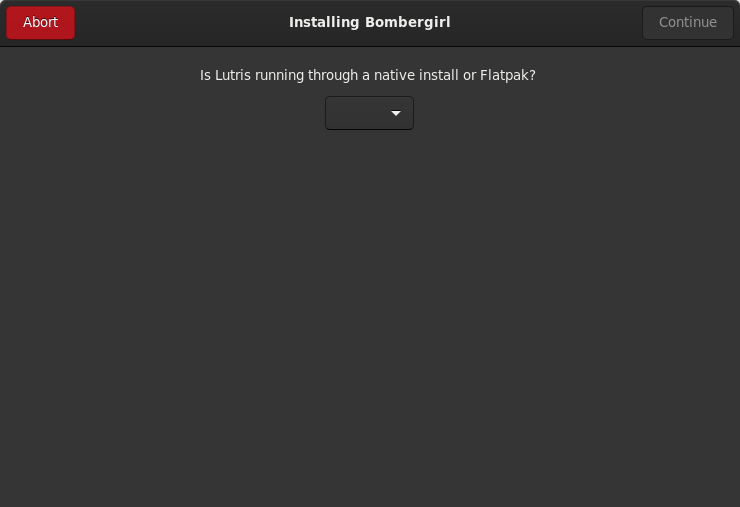
- add game select install local install script- select bombergirl.yml and select install-select installation folder-continue next select bombergirl_files.zip and install a message appears about the type of lutris: A message appears about the type of Lutris: “Is Lutris running through a native install or Flatpak?” How do I check the type of Lutris install? Check the folders in the step 2 or install protonup open protonup in my lutris installation is native select native but before need make a folder some distros not had is folder, lutris give us the error 255 open terminal and put mkdir /home/username/.local/share/applications in the terminal and continue, close
mkdir /home/username/.local/share/applications
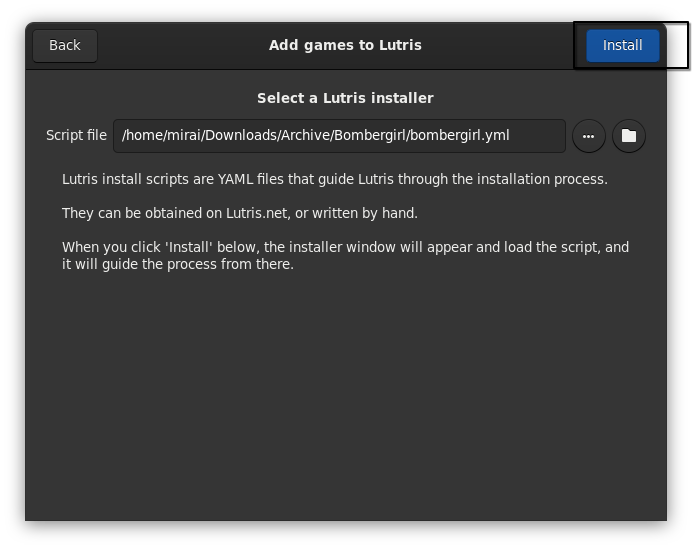
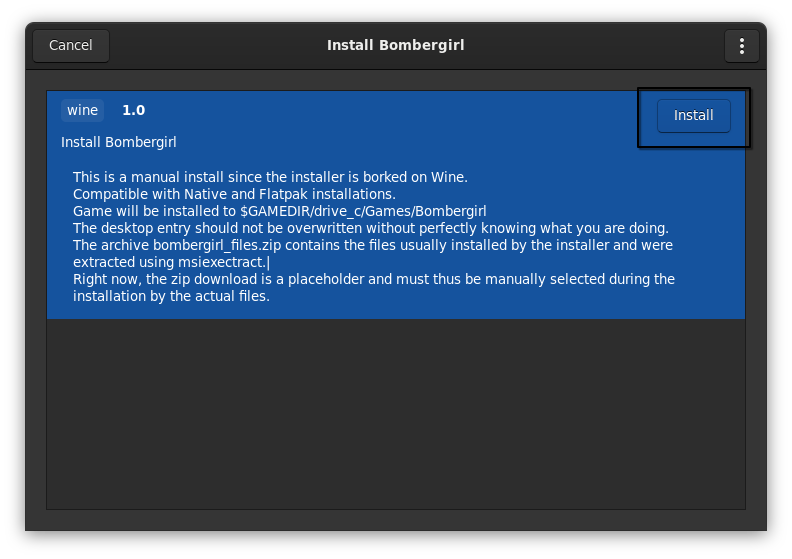
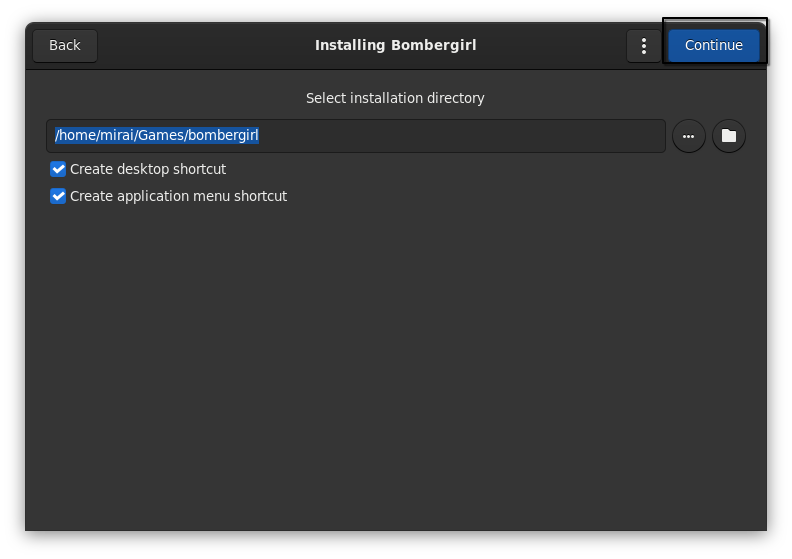
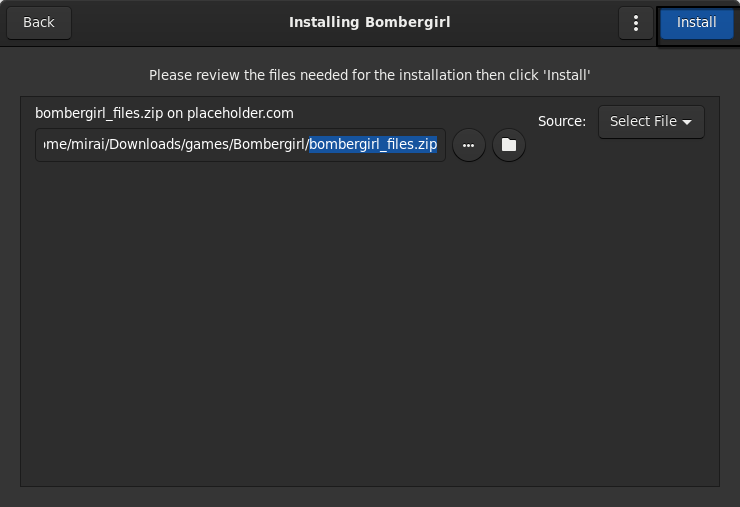
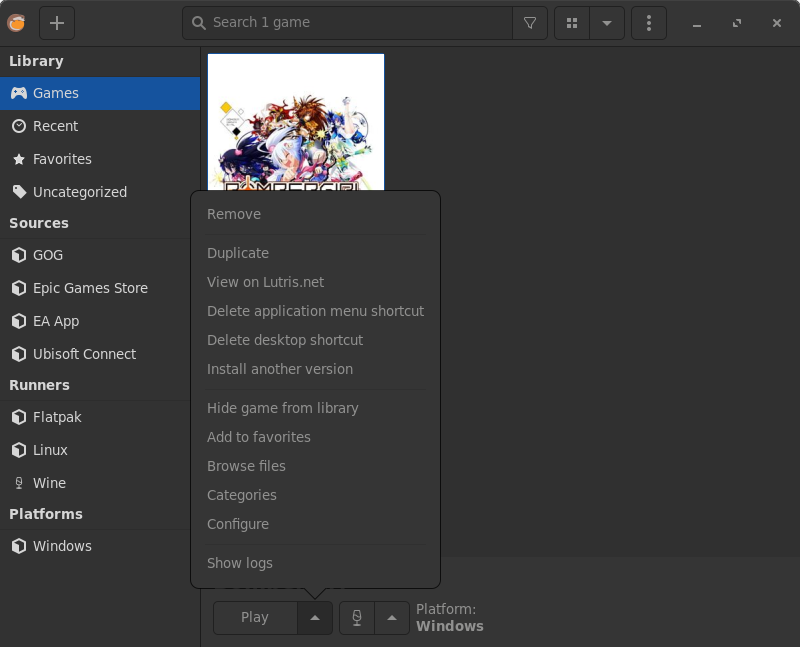
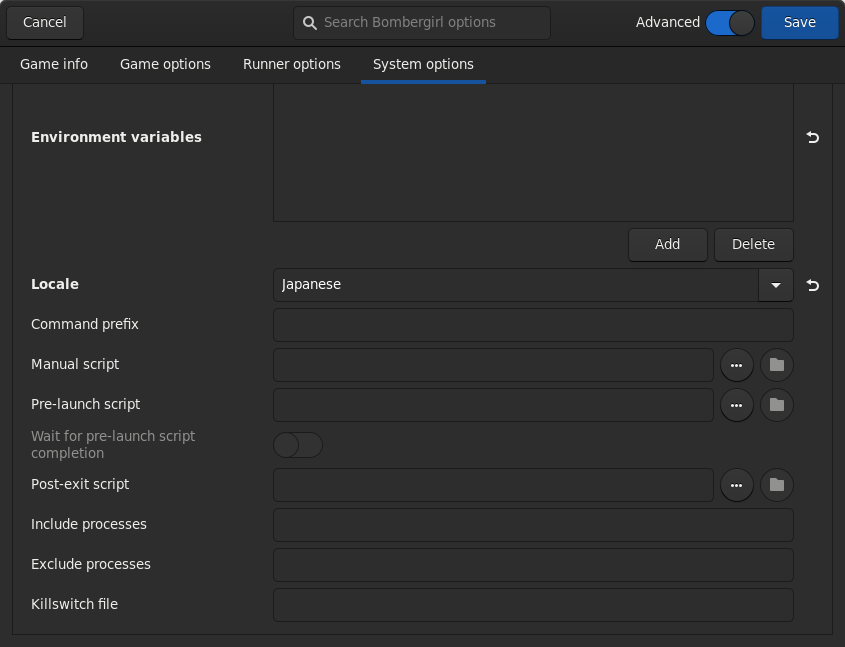
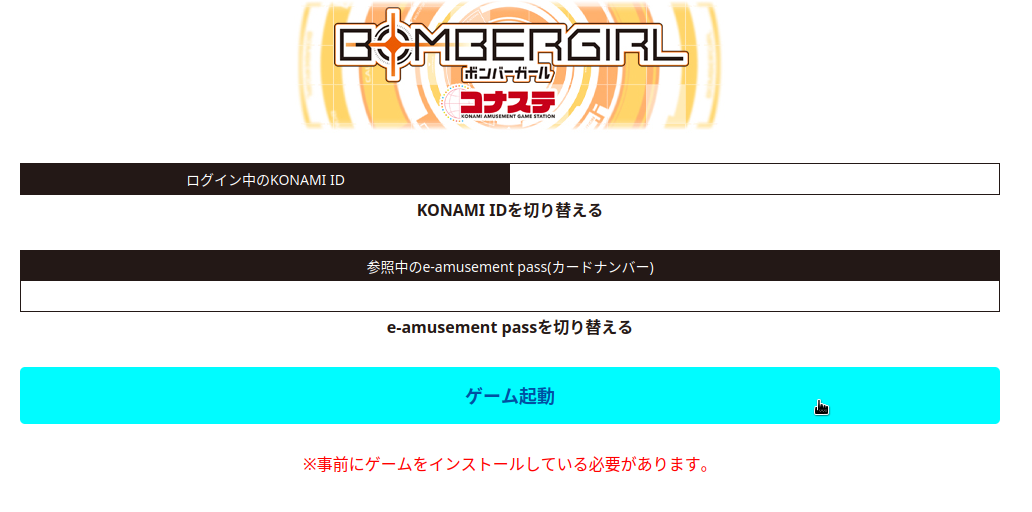
- select bombergirl go to configure – system options – locale japanese and save now click play You will be automatically redirected to the game's webpage and try to launch the game after logging in with your account
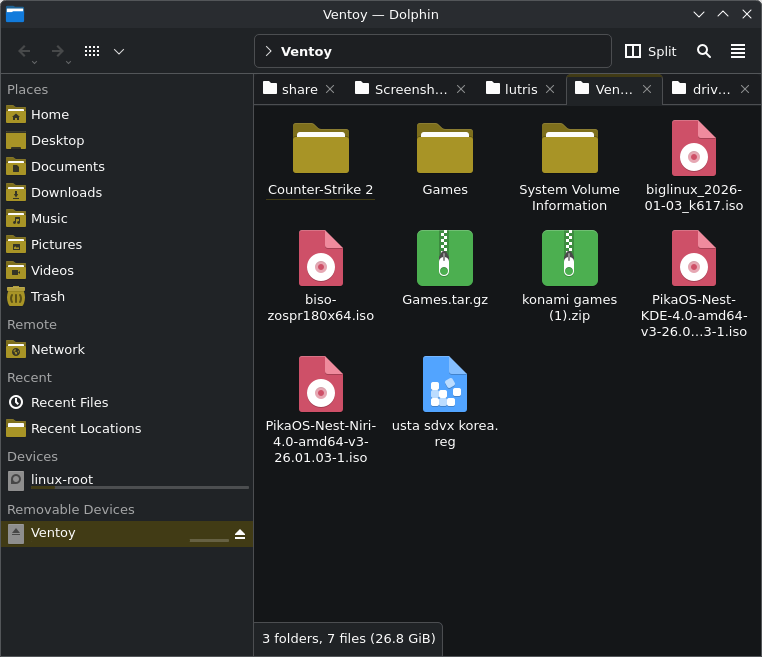
- If you did everything right, the launcher will open and ask you if you want to update the game After confirming, the updater will launch and you will have to hit the big update button for the game to finally start downloading Or a trick copy your games folder in my case is my usb is the format games.tar.gz to /home/username/Games/bombergirl/drive_c/ select games.tar.gz right cilck extract- extract here
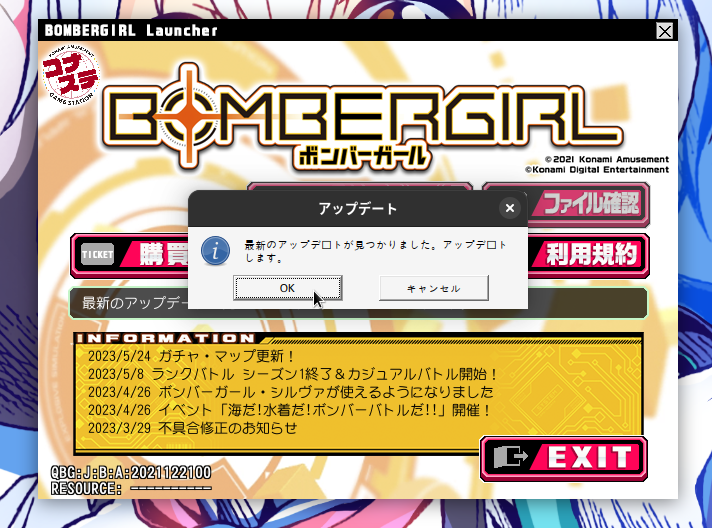
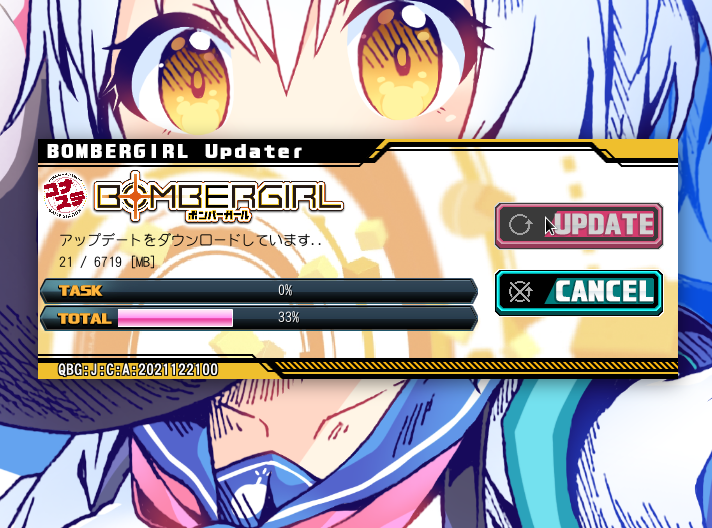
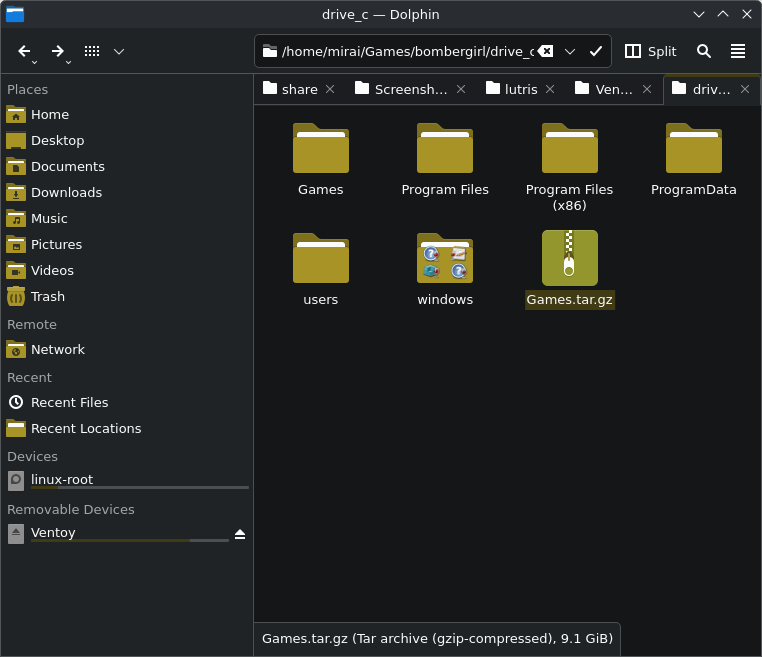
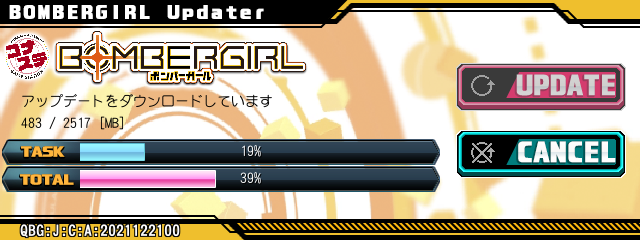
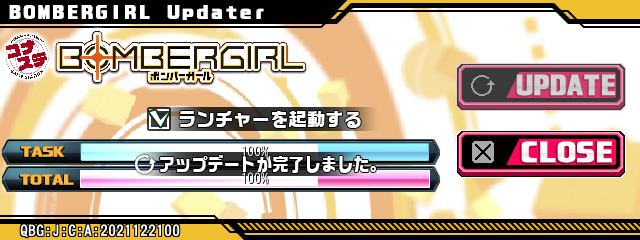
- go to lutris, play try launch the game and but the launcher will open and ask you if you want to update the game After confirming, the updater will launch and automatically check the files and some update for the game to finally start downloading and check,close now play
https://files.catbox.moe/0gzuy6.mp4
Credits
Konatse linux
Konamate
Bombergirl ENG and the user Reyznn who make the lutris bulid for bombergirl i who me i make a lutris bulid of GITADORA
discord.gg/bombergirl
Monero XMR: 44Y96yEaA7H7whiH1x75jC4ekB8khBdrp7GbPH24y364eWDeyeZLKLi2Pc6YGYngDXftFu4VYdxz62YgvkQZXYieDTPqtyH
https://ko-fi.com/nijinosakidaia
holox https://x.com/DysphoriaMagic
bitcoin/lightning network https://pay.blink.sv/nijinosakidaia
https://strike.me/nijinosakidaia/