Changing Starters in Skytemple
This guide assumes that you already have Skytemple installed on your machine and opened.
Additionally, this guide is only concerned with starter-swapping mons that are already in the game. Adding new mons is a bit more complex, and thus out of scope.
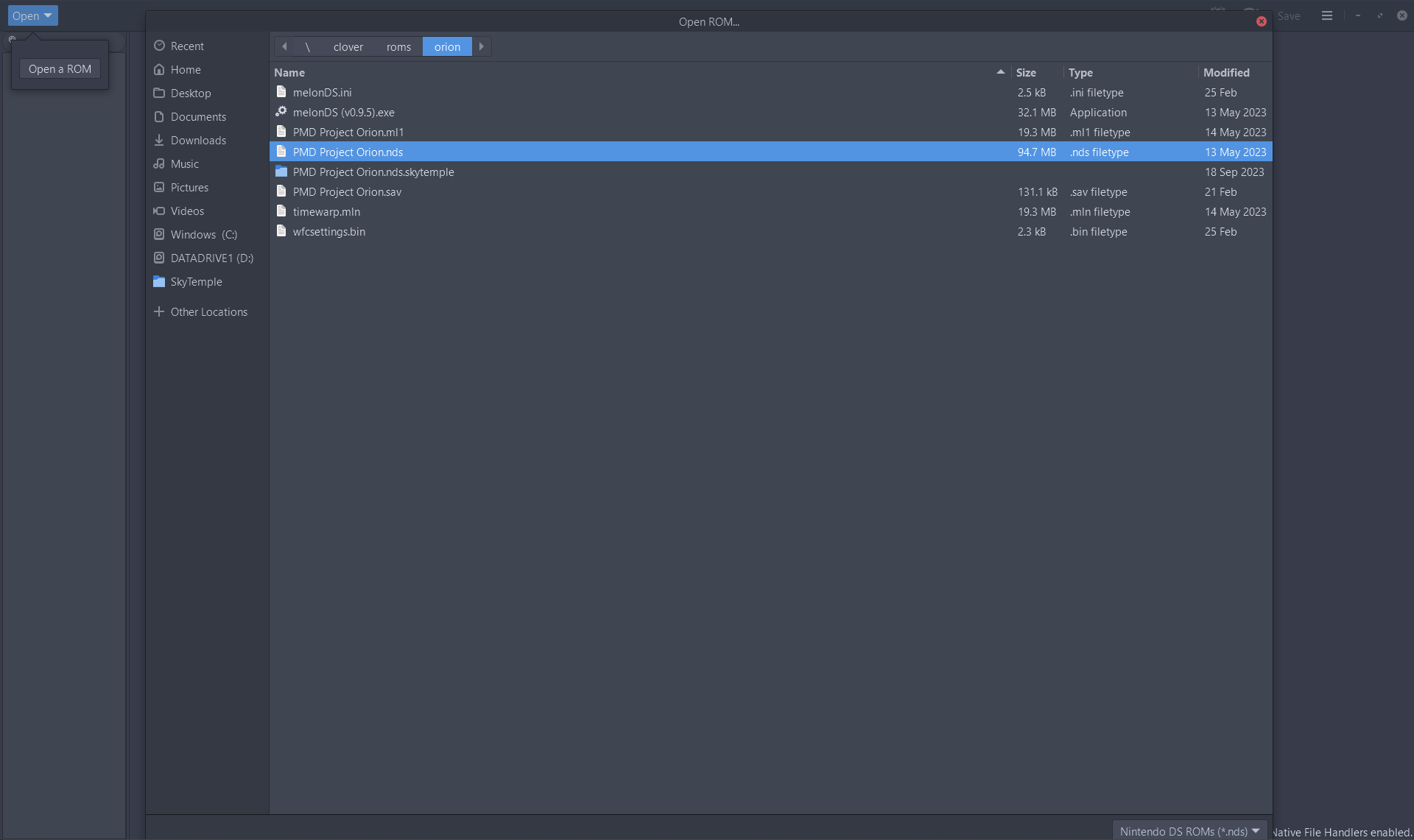
- Open a ROM by clicking the "Open" button in the top right, and navigating to the NDS file on your computer. I'll be using a copy of the Project Orion hack for this example, but I believe any EoS ROM should work.
- In the sidebar, navigate to Lists > Starters, and double click. Your screen should then look something like this.
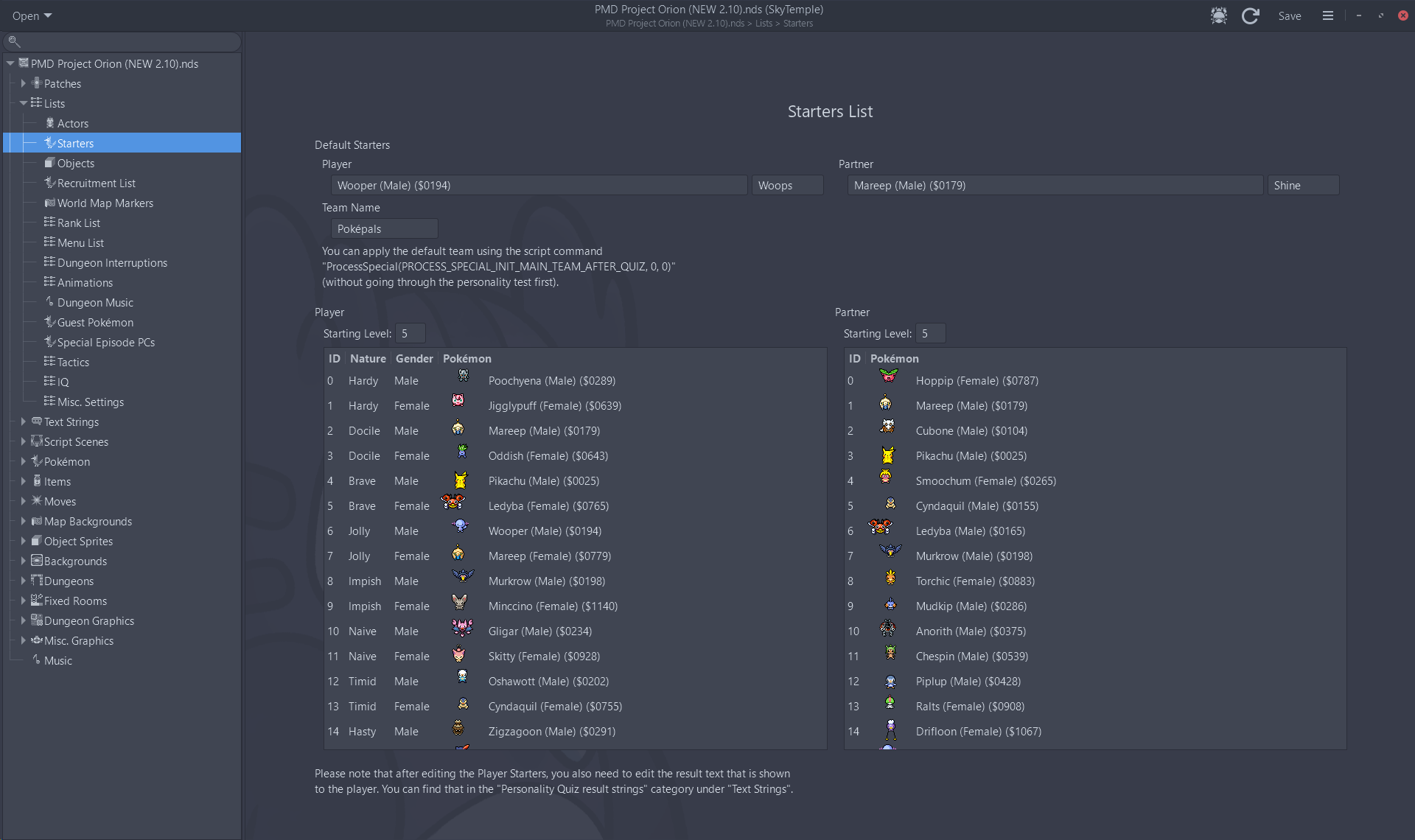
- Scroll down to the starter entry that you wish to change, and double click on it's name. You can now enter the name of a Pokémon, and a search drop-down will pop up to allow you to choose the Pokémon you want. Then click enter to confirm the change.
(For Project Orion and other hacks that implement the ChooseStarter patch, you don't really need to care about which nature you're editing, or editing the Personality Quiz Result String. But for the base game, make sure to go for the nature you want, and edit the associated result text.)
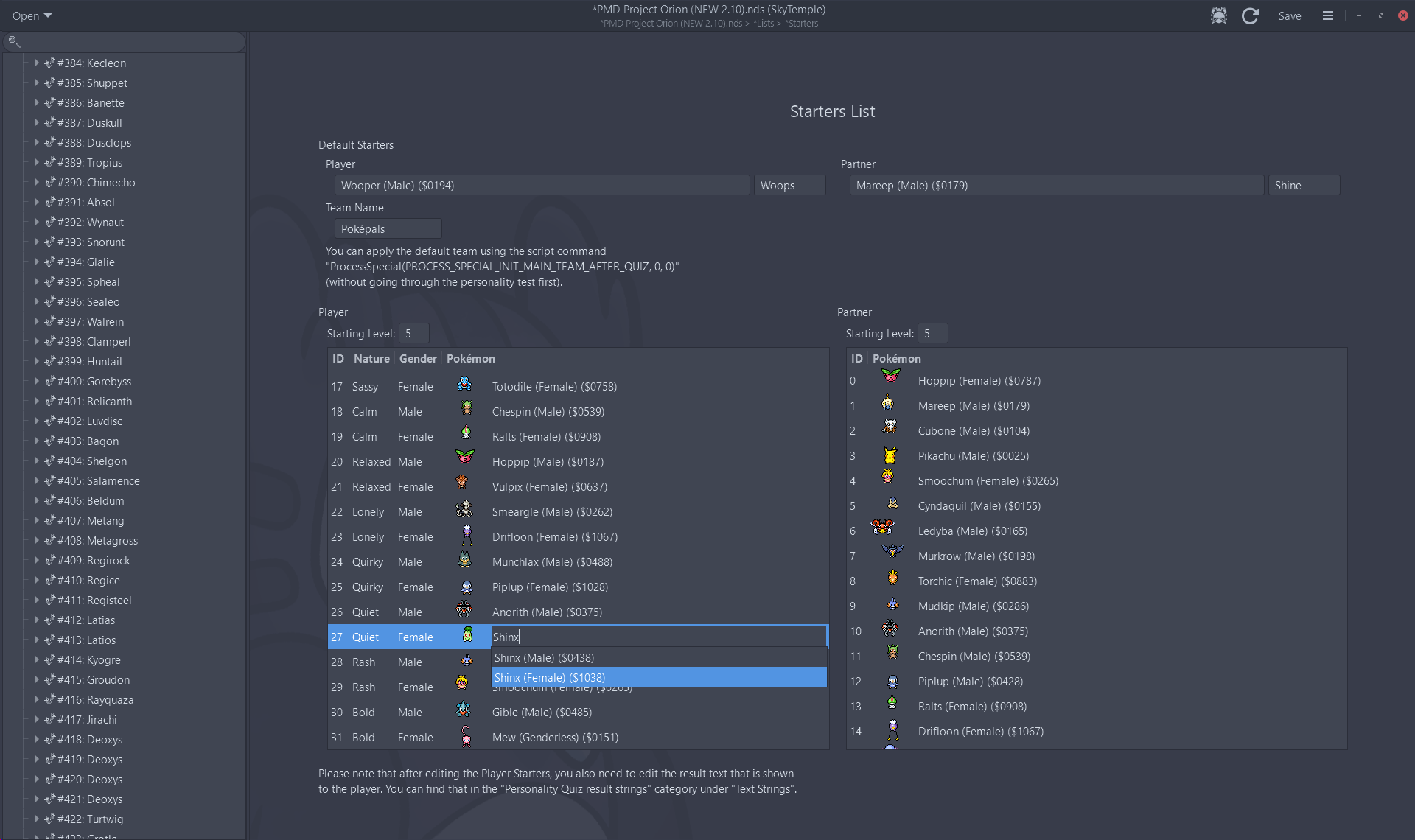
- It's that easy!
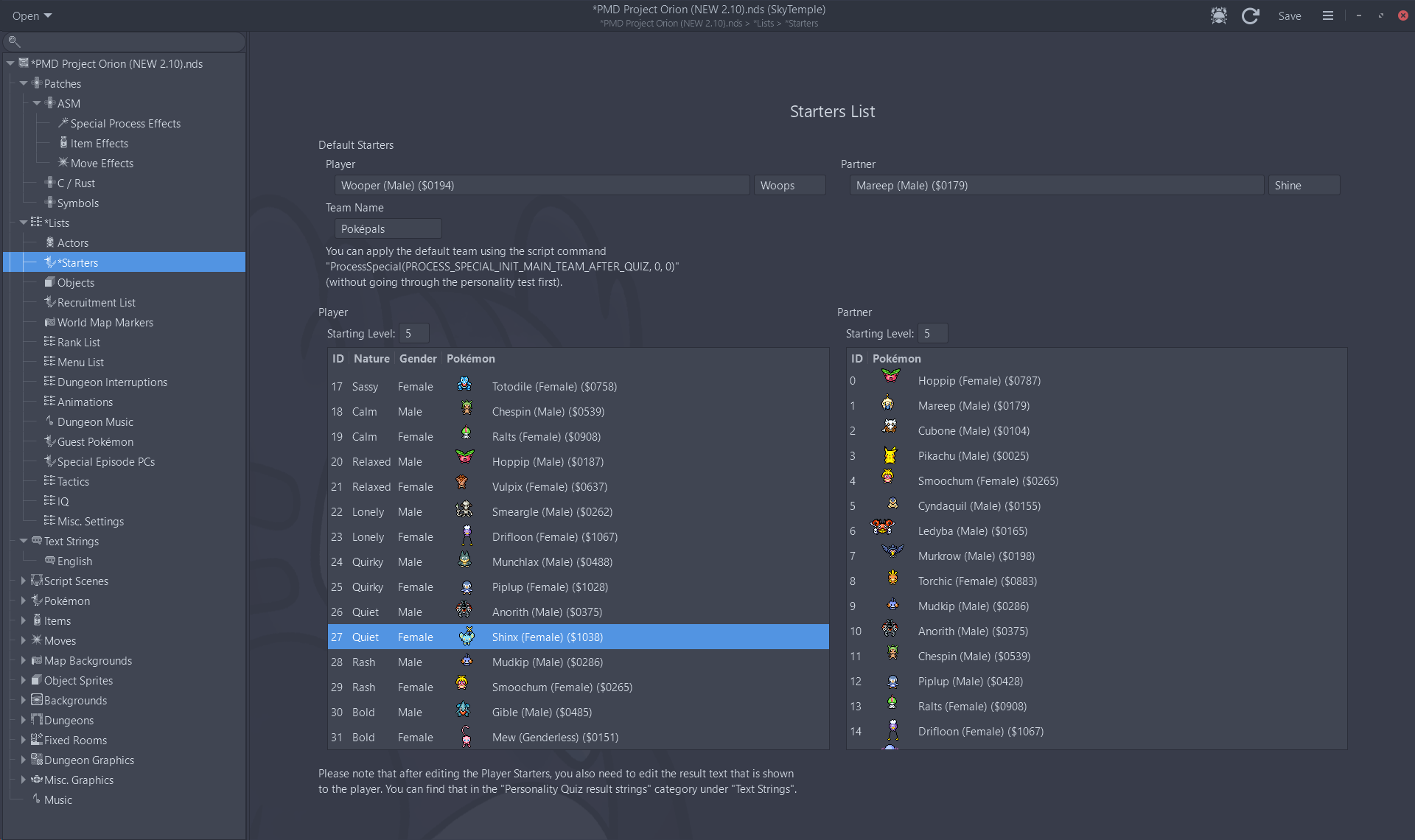
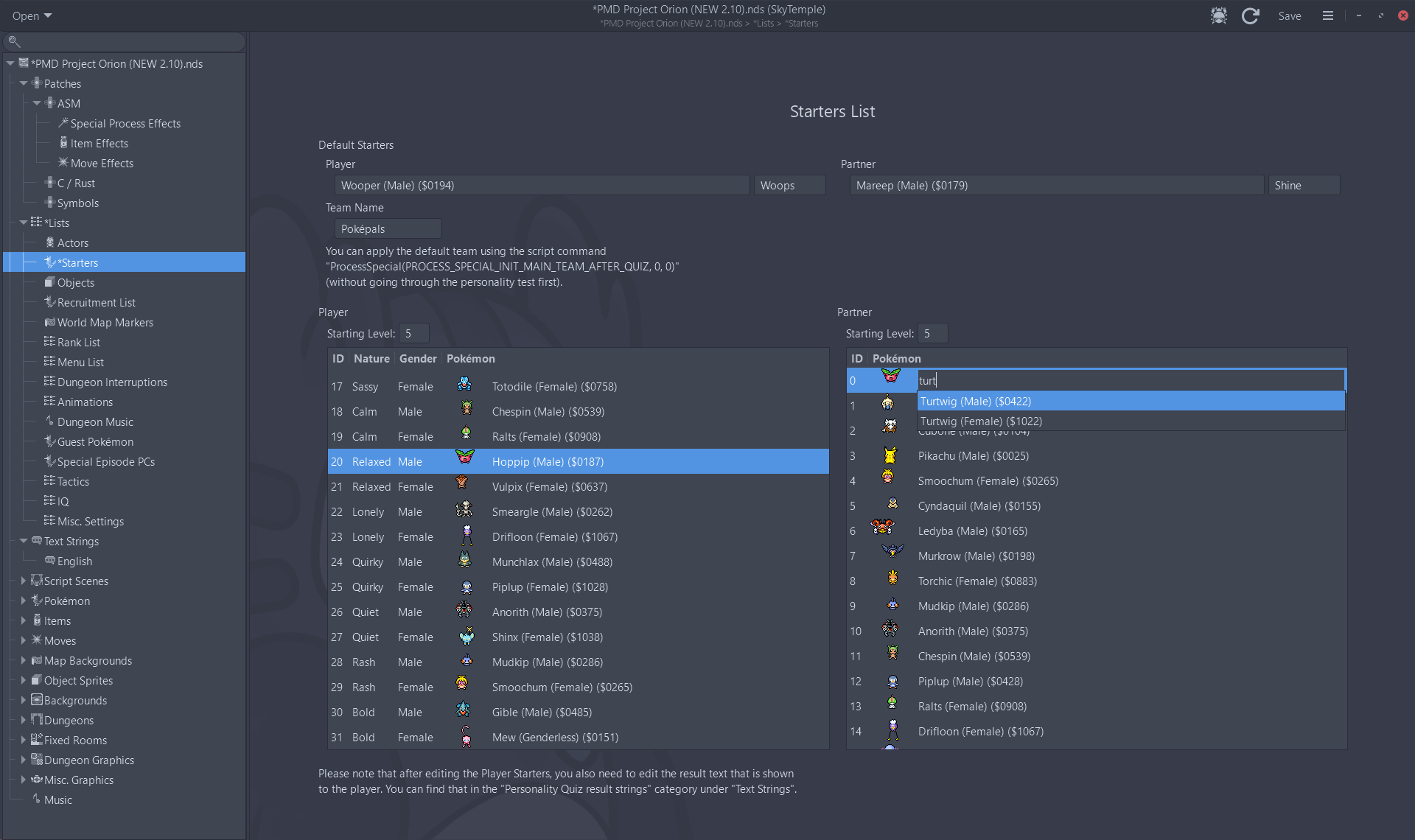
- Editing partners is similarly simple, with the exact same steps as editing the player. Once again, double click on the starter entry you wish to change, search for the Pokémon you want, and click enter to confirm the change.
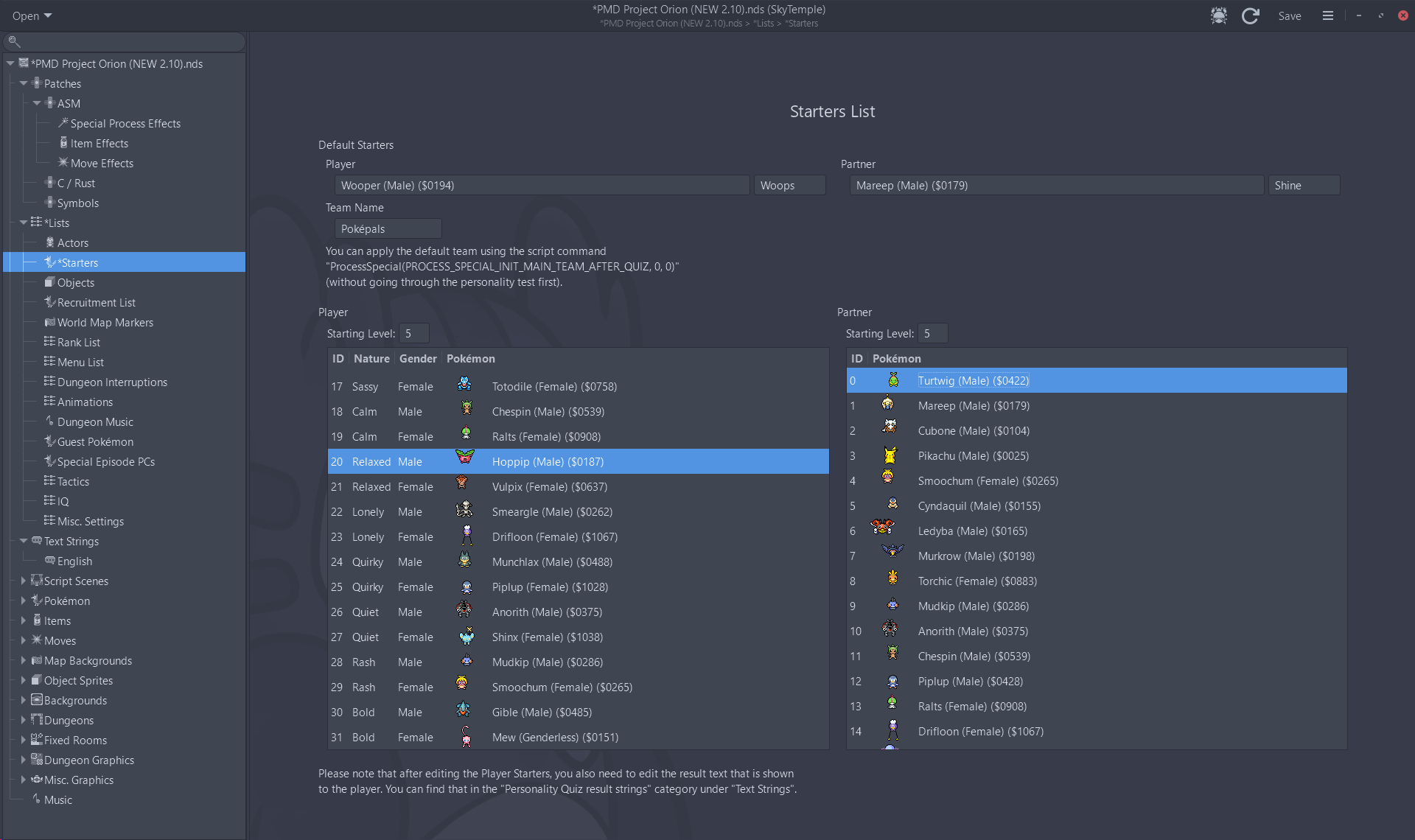
- Finally, make sure to save your edited ROM by clicking the "Save" button in the top right corner. It then should be good to load in the emulator or jailbroken DS cartridge your choice.
Addendum: Editing Pokemon Sprites
If you're editing starters to different Pokémon, you may also want to change the sprites of those Pokémon so that they're fully featured. Luckily, that's relatively simple as well. And thanks to the efforts of the PMD Sprite Repository, you don't even have to enter anything manually.
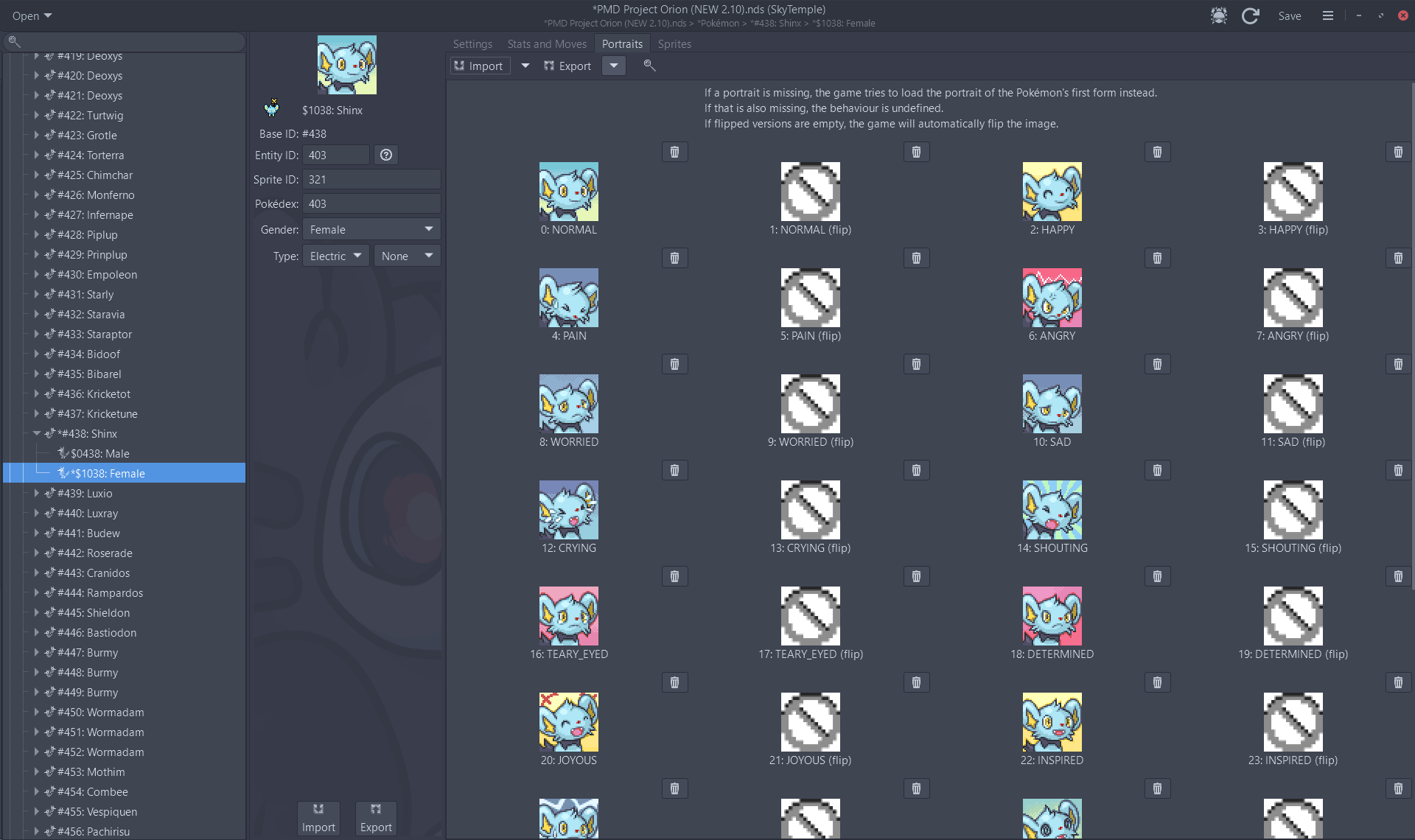
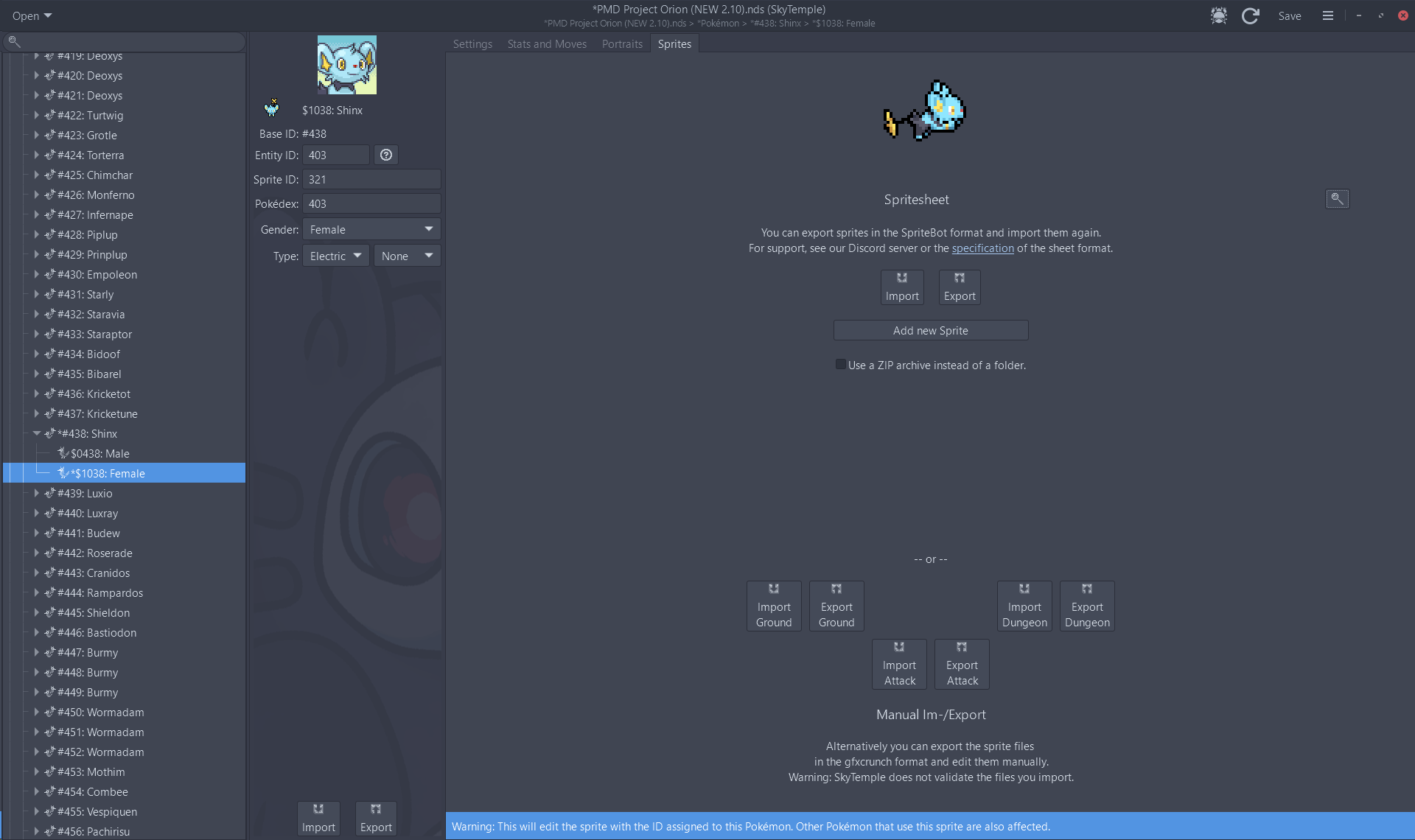
- Starting from step 1 above, in the sidebar, navigate to Pokémon > whatever Pokémon you wish to change, and then double click on the form you wish to change. Your screen should then look something like this.
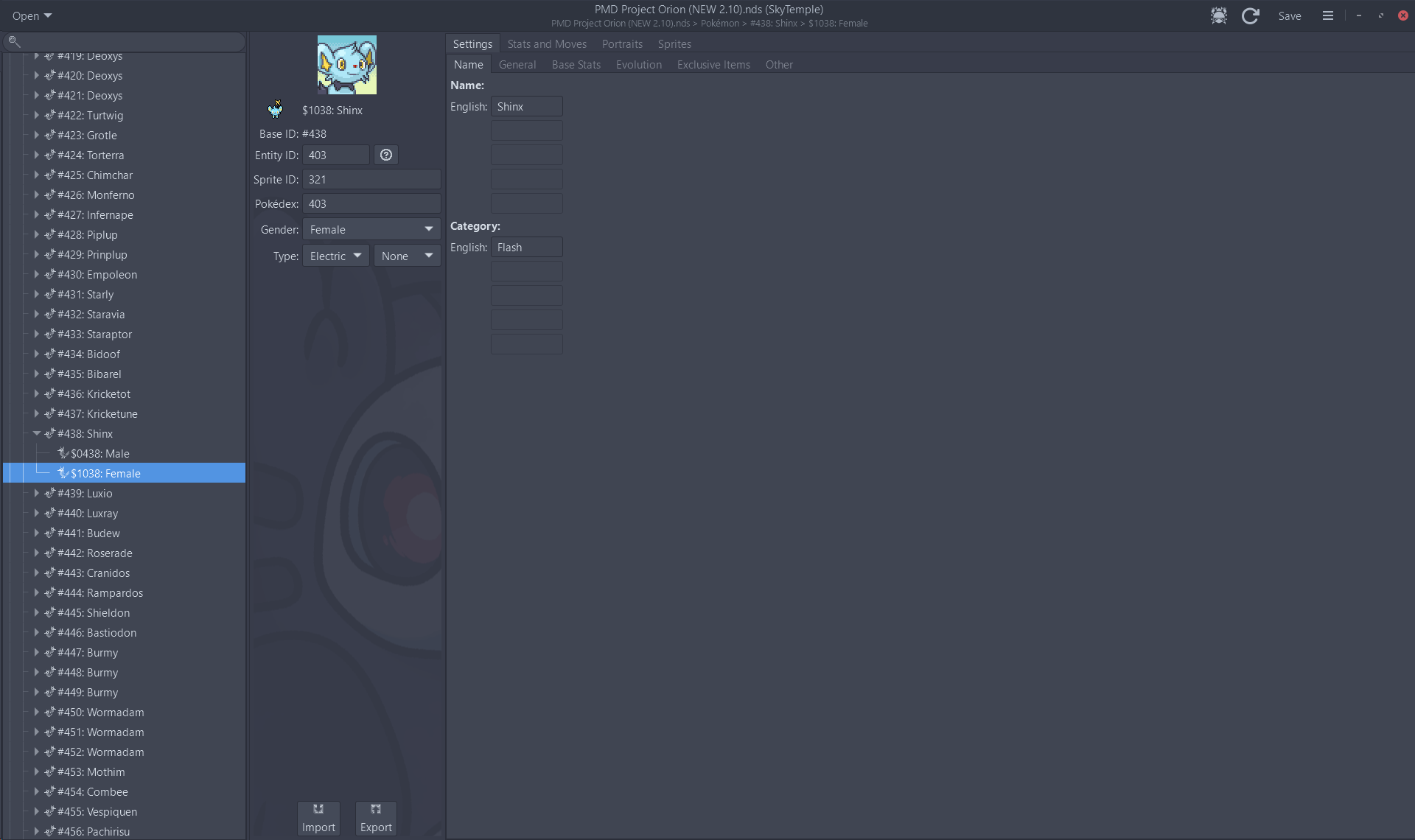
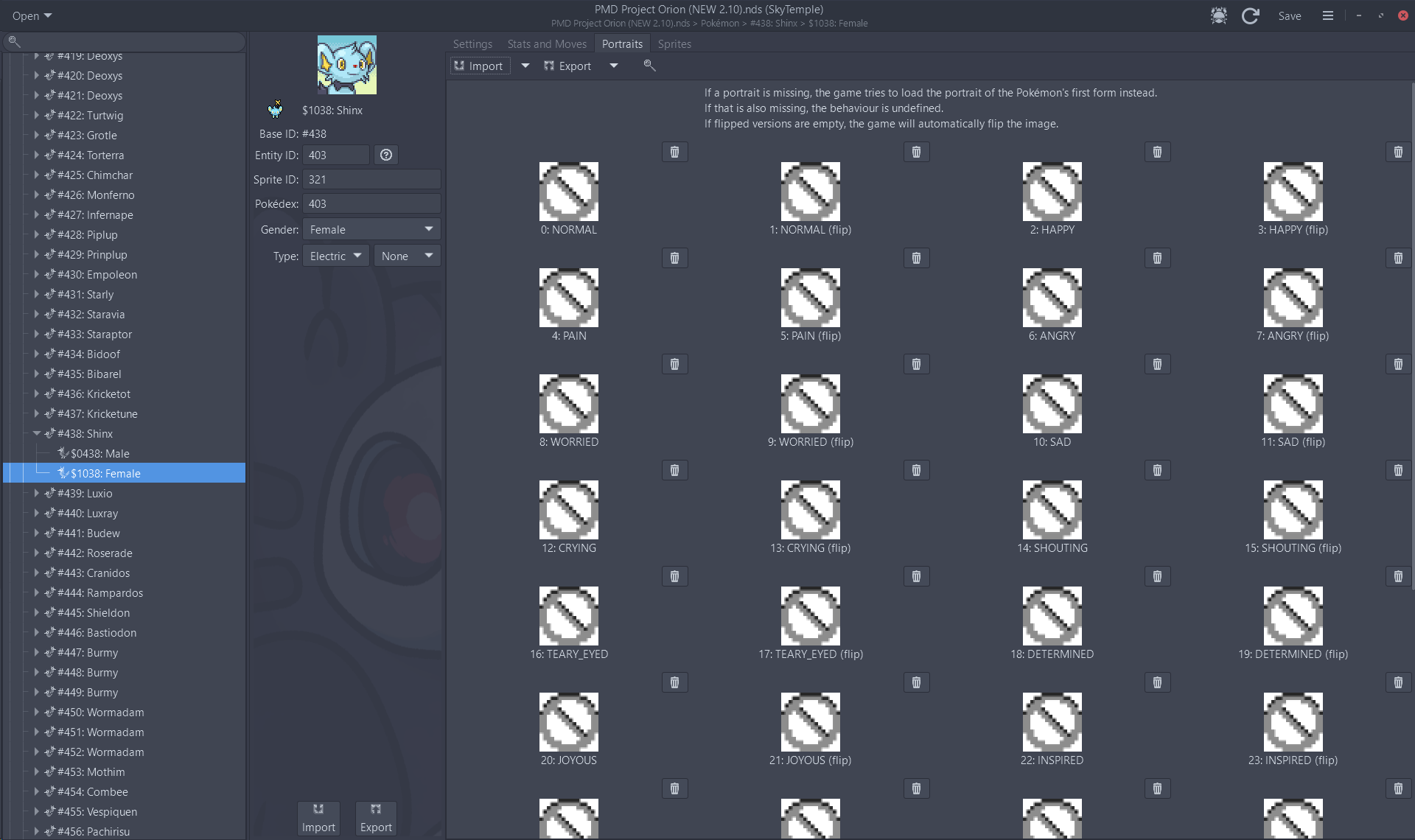
- Navigate over to the Portraits tab first. Click on the little magnifying glass to open the SpriteColab browser.
- Wait for it to load, and then search for and click on your desired Pokémon. If the Pokémon has form differences, they will be shown in on the right hand side.
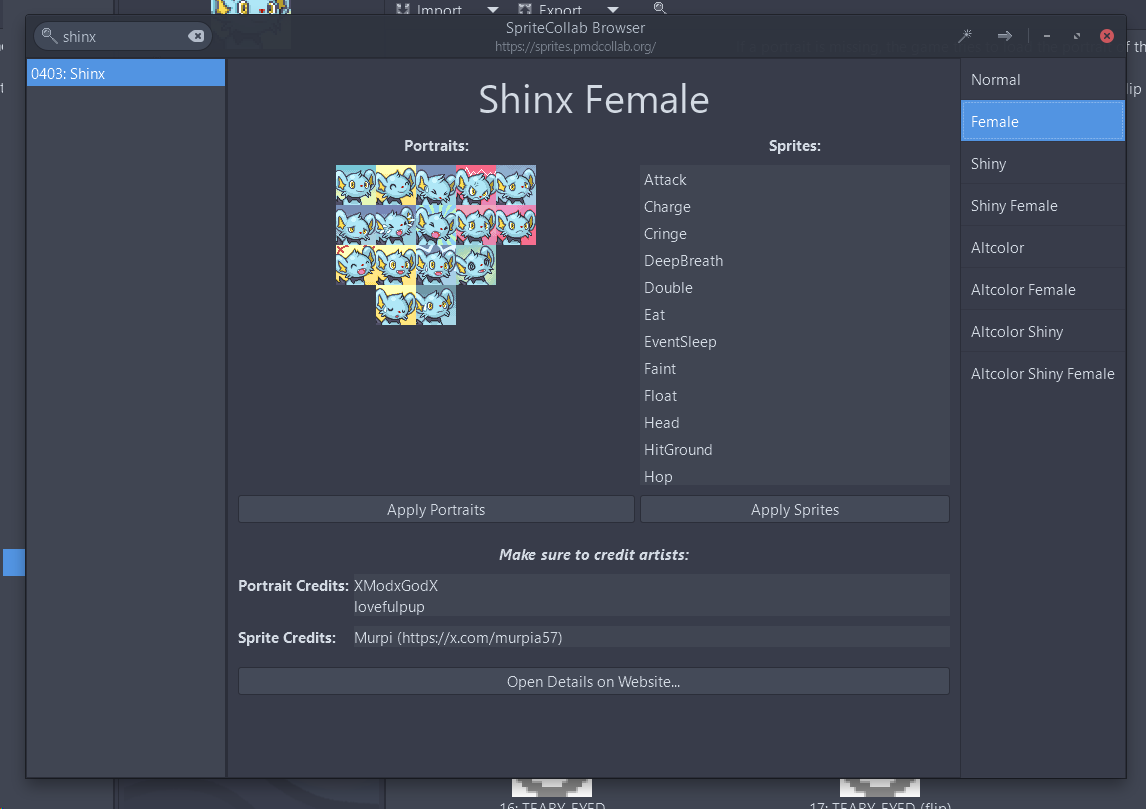
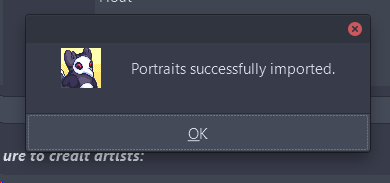
- Click "Apply Portraits" to apply the current Pokémon and Form's portraits to the current slot. Then, click "Apply Sprites" to apply the current Pokémon and Form's sprites to the current slot. You'll get these dialogue boxes:
(I don't entirely know what the first pop-up dialogue box means for "Apply Sprites", but I believe you generally want to replace the existing sprite. You can check the PMD Sprite Repository, and only check the box to copy the Sleep animation if your chosen pokemon doesn't have an EventSleep animation.)
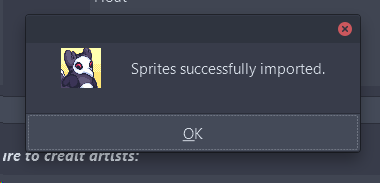
- You're done! Once again, make sure to save your edited ROM to keep the changes that you made.