back to resource
To start off, copy paste the code below into your rentry:
https://pastebin.com/SujZD7ZL
This should give you something like this!

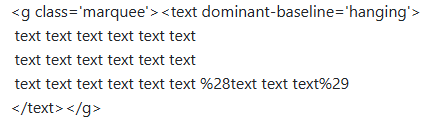
to change the text, scroll down towards the bottom and alter the "text text text text" here, KEEP IN MIND: the larger amount of text you put, the faster the text will go, and vice versa!
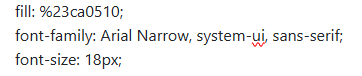
if you would like to change your font, look towards the top where it says "font-family: Arial Narrow", you can use a small selection of google fonts for this (find list in "TIP" section) but make sure you put the correct information in the spot. some fonts have a specific type (ie. "Cursive", "Sans-Serif", etc.) that you'll need to put alongside the font name.
TIP: here is a list of all currently available fonts with css and how to import them, click the "try it yourself" and copy paste "font-family: 'font', style;" into your code. https://www.w3schools.com/csSref/css_websafe_fonts.php

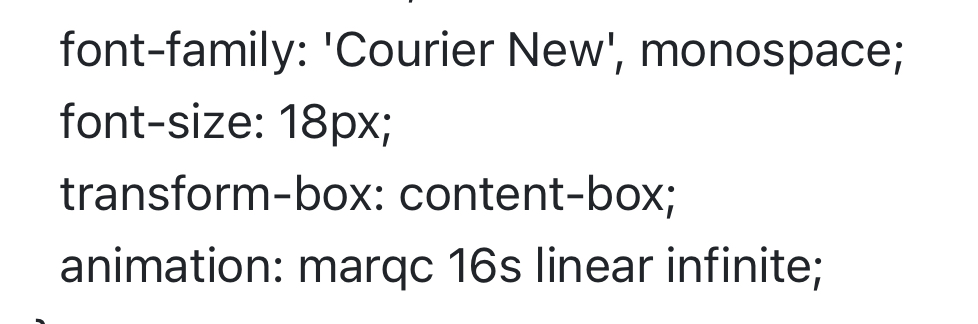
you should then have something similar to these!
with hex code:
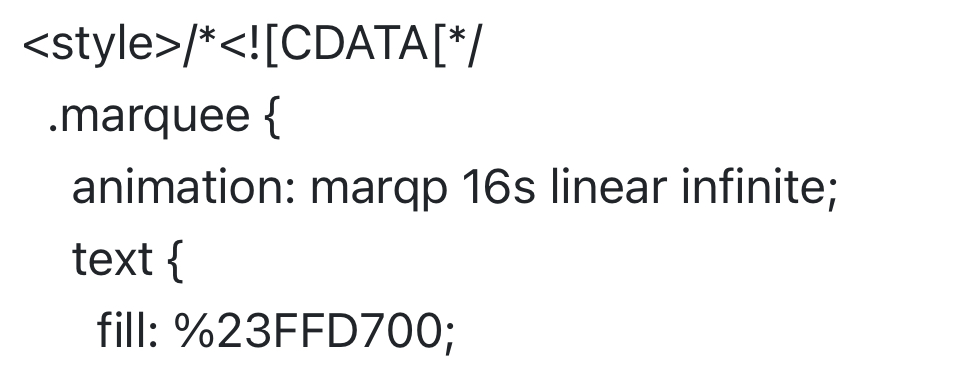
without hex code:
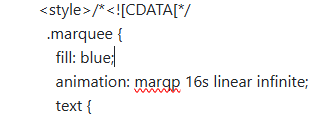
to change the color of your text, refer to the "fill: color;" portion at the top, you can find a list colors here if you don't have a hex code you'd like to use, but if you'd like to use your own color, make sure to replace the # part of your hexcode with %23 - ex. %23000000

finally, your text should be the font & color you desire! if you have any questions, direct them to either of my listed contacts found on the main page, or you may contact me via discord if you know it :)
- OPTIONAL
If you'd like to place your text beside an image, scroll down to the bottom of your code until you find the {100%:18} nearby your text.
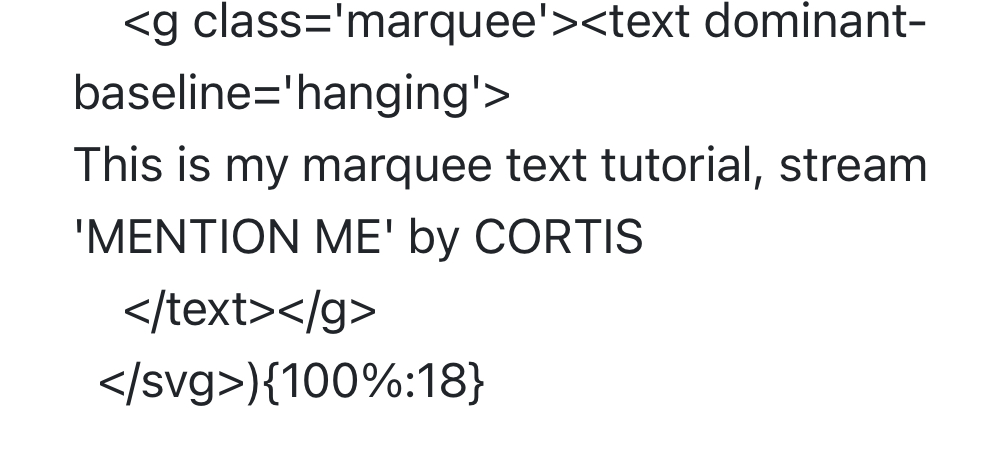
100% = width
18 = height
you'll only want to alter the height of your text! so change the 100% to whichever % you'd like, to make it even i used 40% which puts it directly beside the image. after you've altered the width, place your image beside it and make sure that you've changed the width of that aswell if needed!
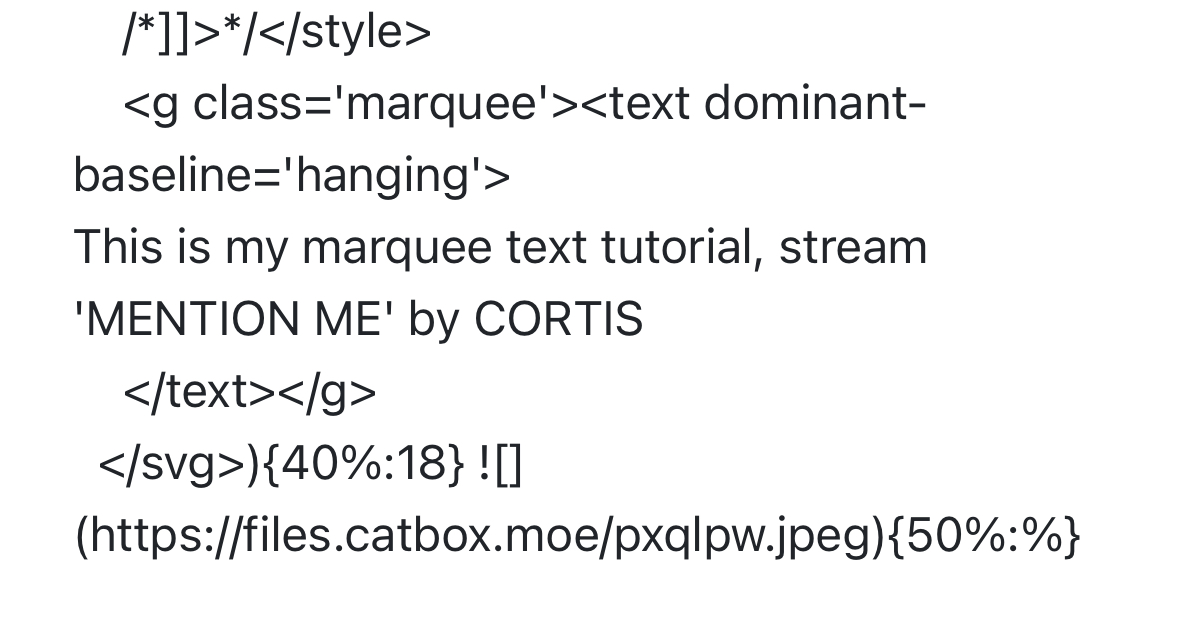
following those steps will give you something similar to below!